See Tidy Names in action
Start with the walkthrough, or go straight to the guide for the part of the app you are using. Every video has chapters and subtitles.
How-to Guides
One for each part of the app, grouped by what you are trying to do.
Adding Your Domains
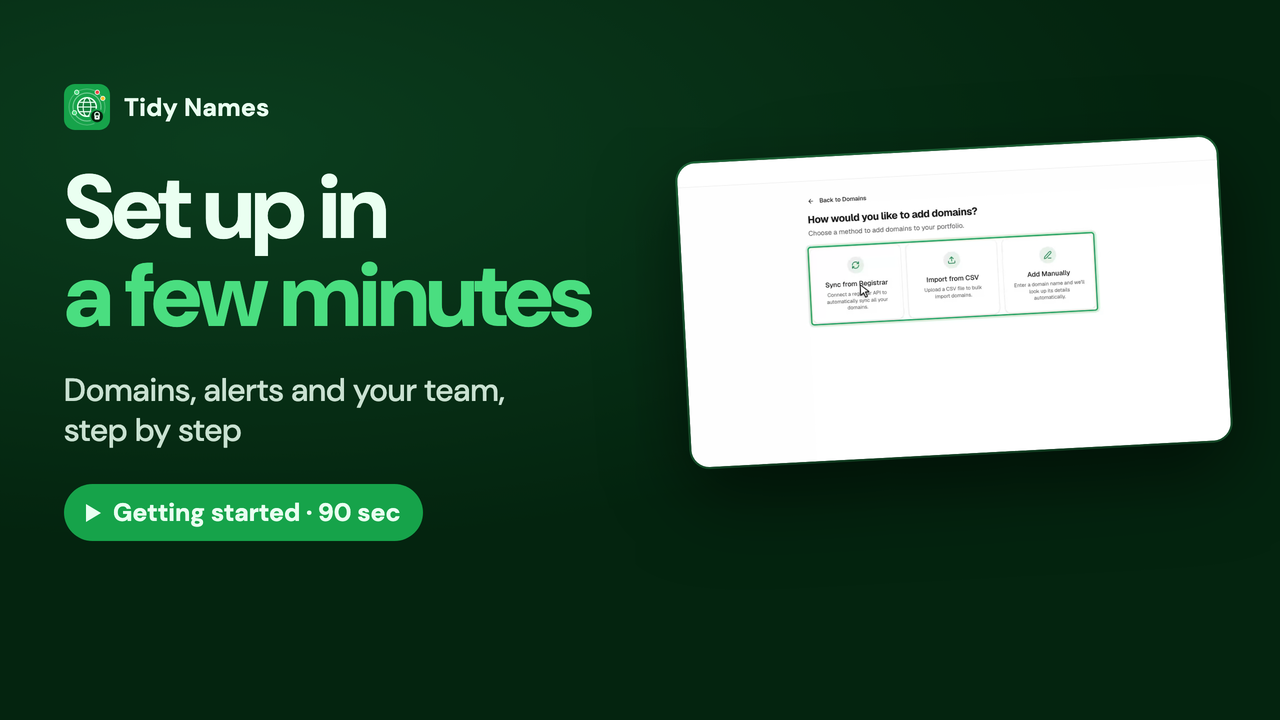
Three ways to bring your domains in: by hand, from a spreadsheet, or straight from your registrar.
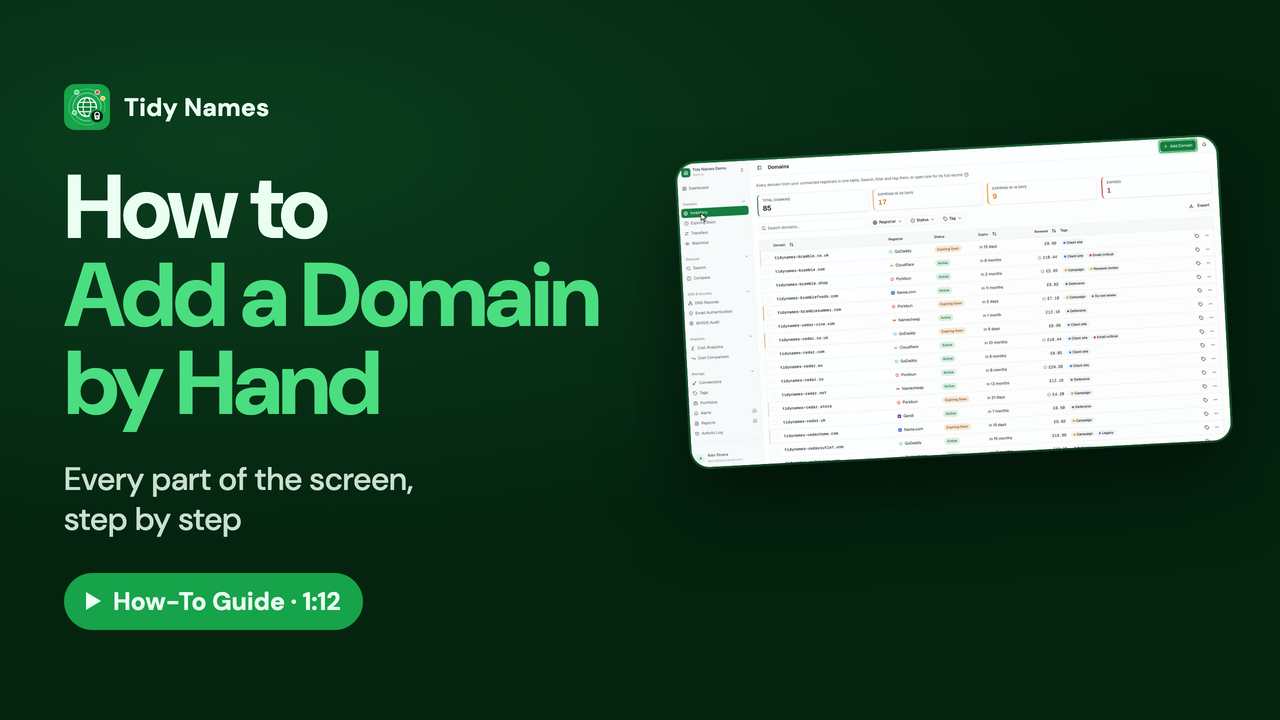 1:12
1:12How to Add a Domain by Hand
How to add a single domain to Tidy Names by hand.
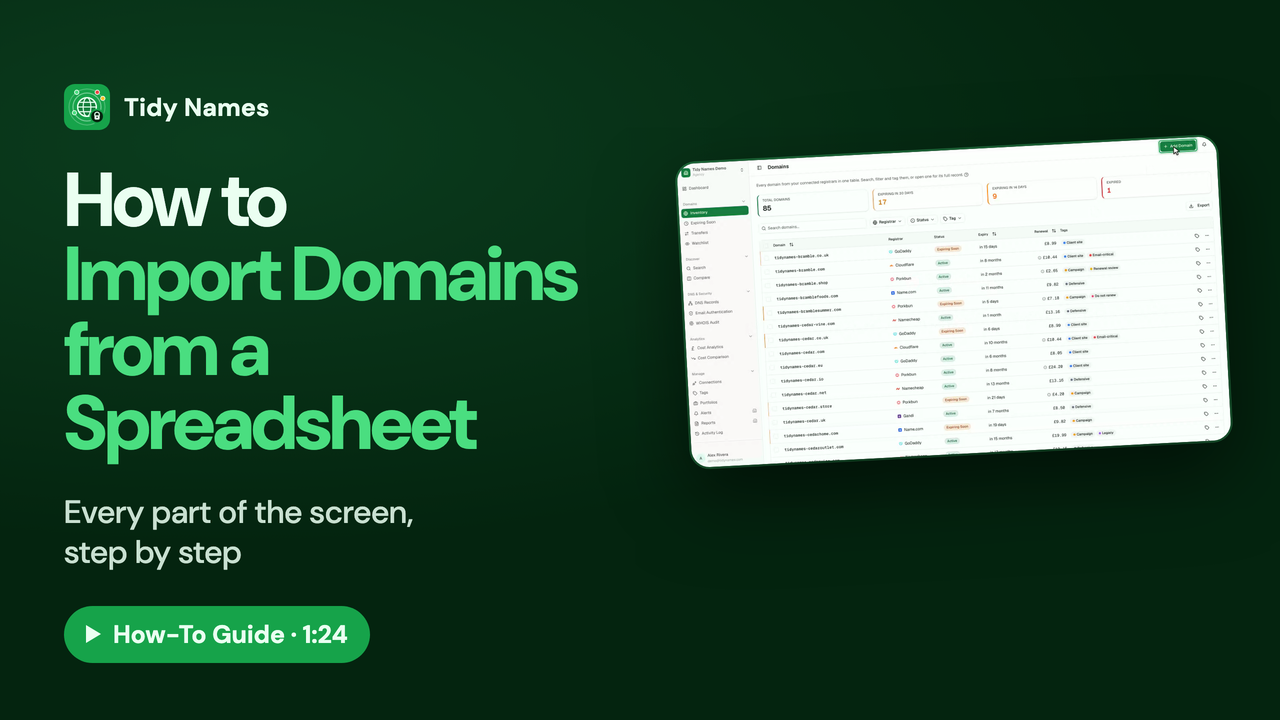 1:24
1:24How to Import Domains from a Spreadsheet
How to import your domains into Tidy Names from a spreadsheet (CSV).
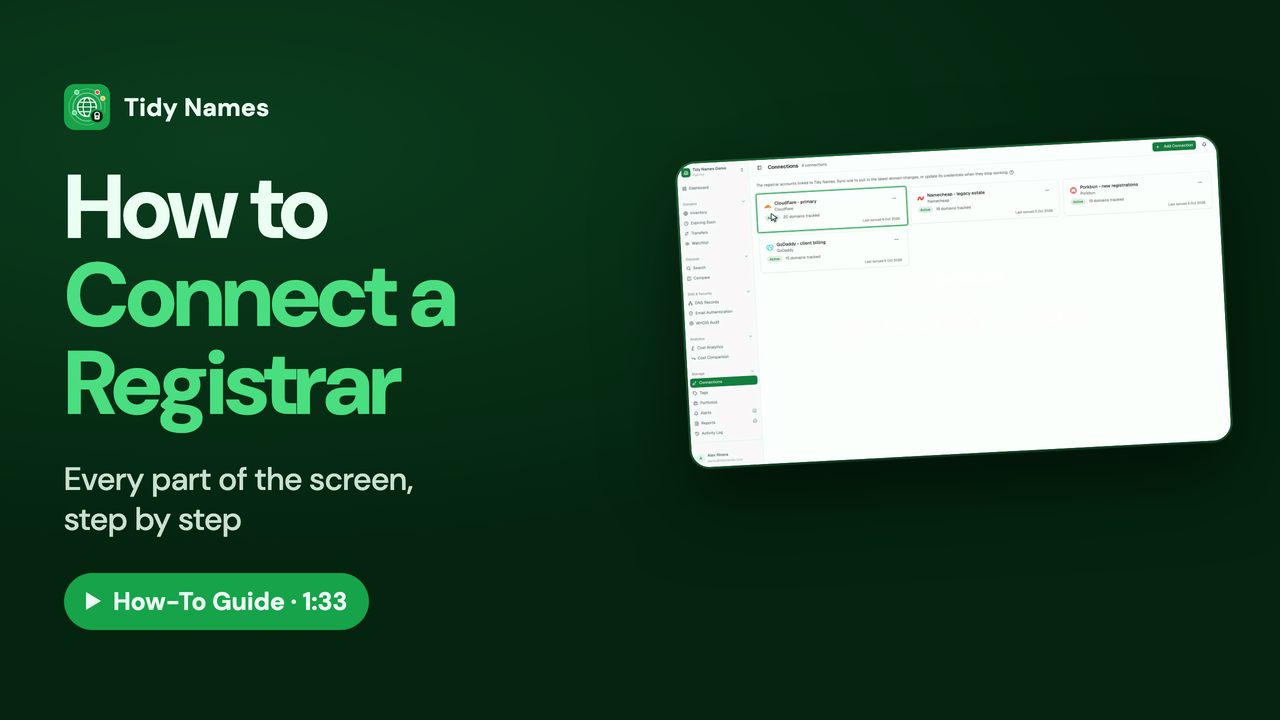 1:33
1:33How to Connect a Registrar
How to connect a registrar account to Tidy Names, so your domains sync automatically.
Your Dashboard and Domain List
The overview of everything you hold, and how to find, sort, select and export your domains.
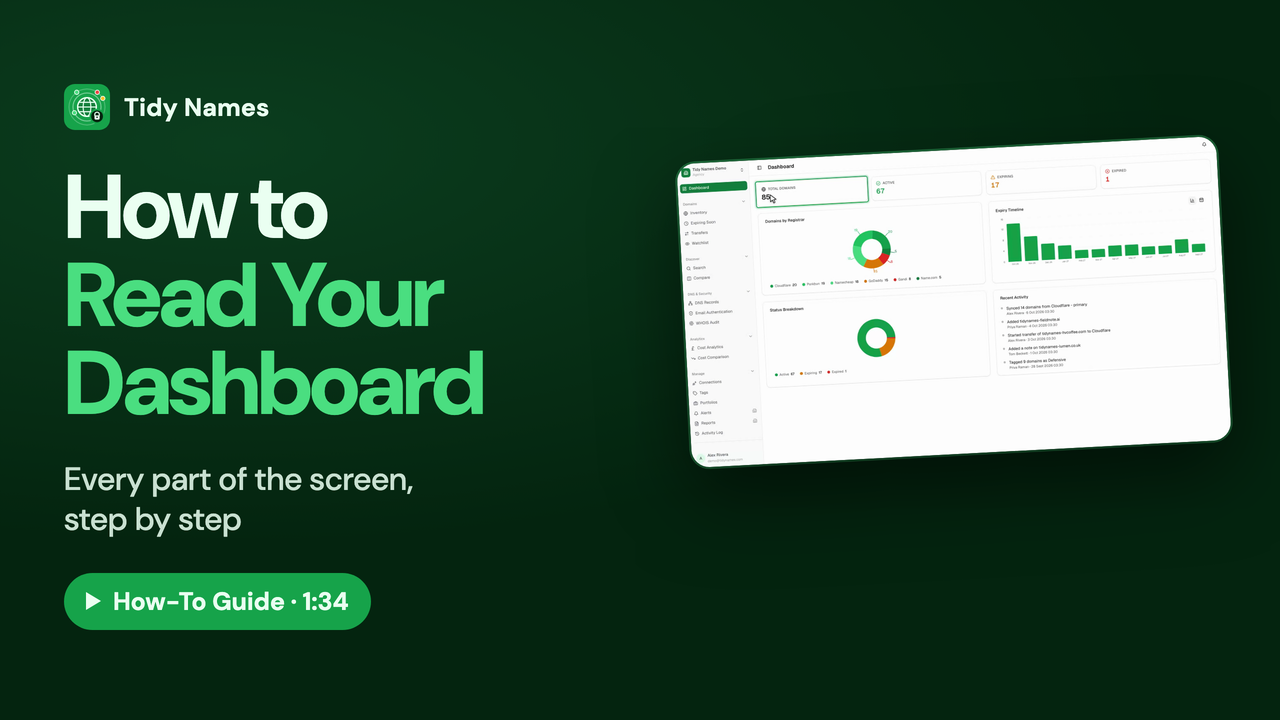 1:34
1:34How to Read Your Dashboard
How to read your Tidy Names dashboard - the health check of every domain you hold.
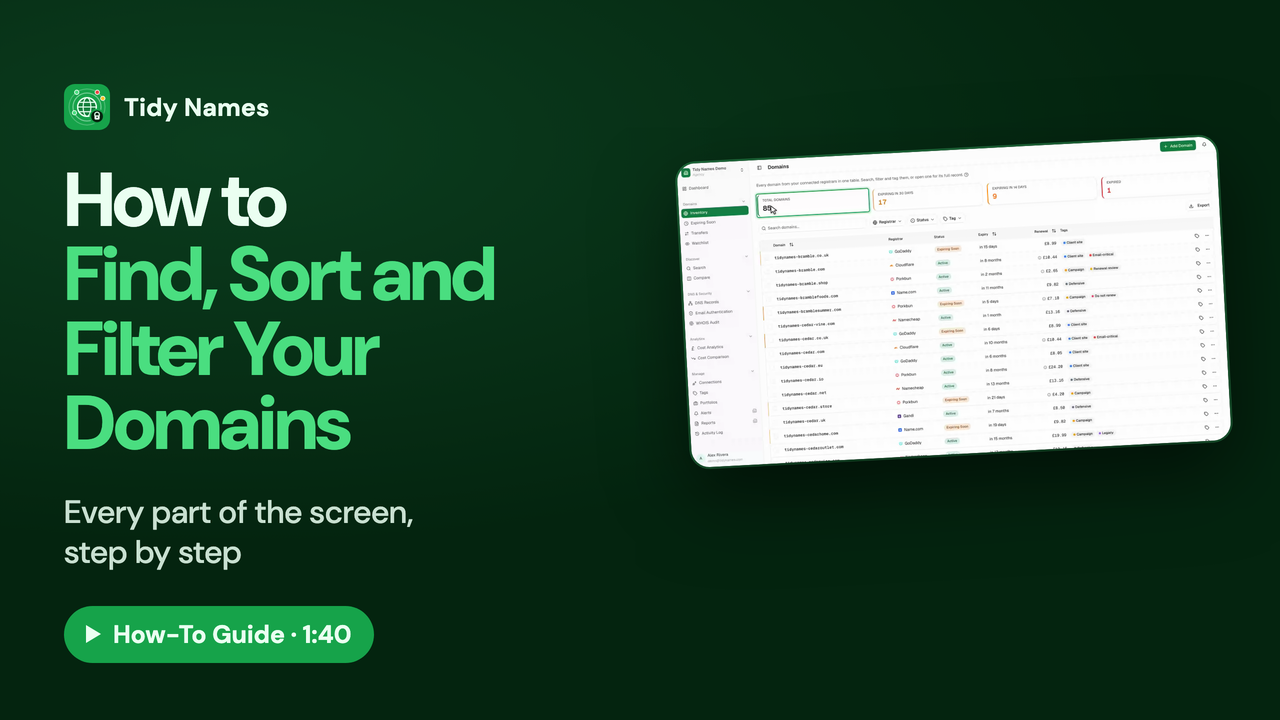 1:40
1:40How to Find, Sort and Filter Your Domains
How to find, sort and filter your domains in the Tidy Names Inventory.
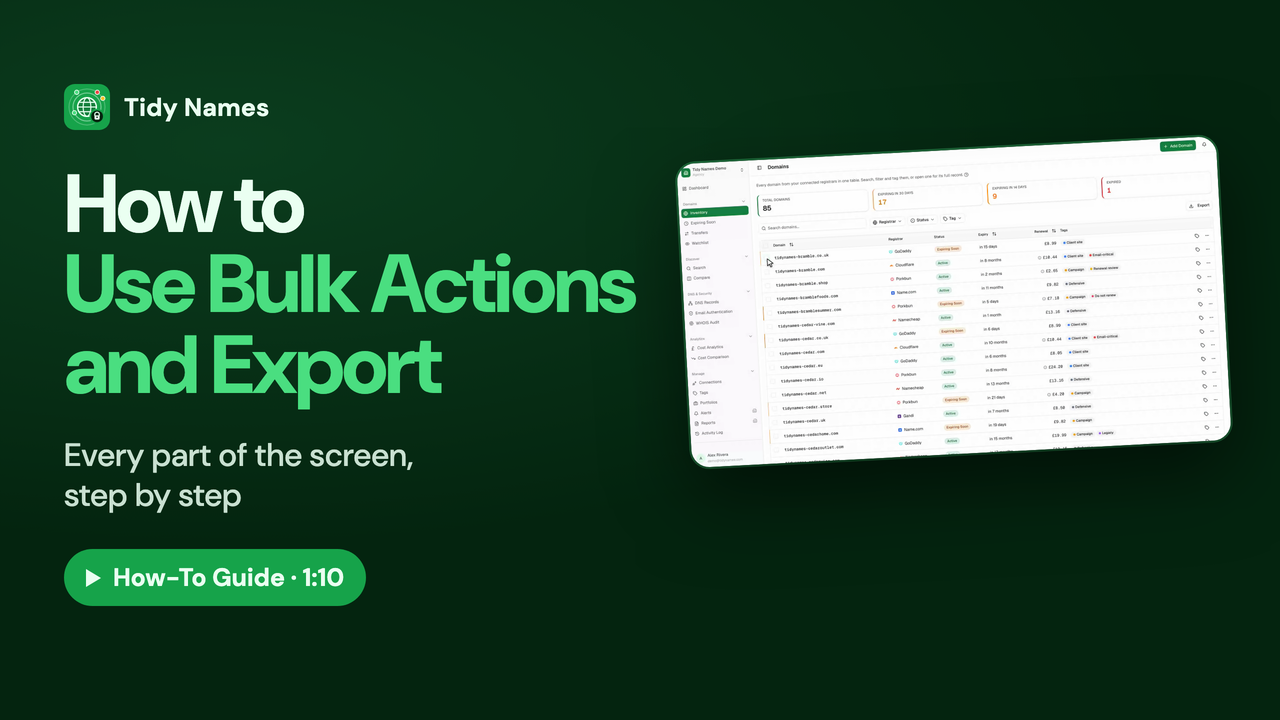 1:10
1:10How to Use Bulk Actions and Export
How to work on many domains at once in Tidy Names, and export your list.
Inside a Domain
What each part of a domain’s page tells you: its details, DNS records, protection and email security.
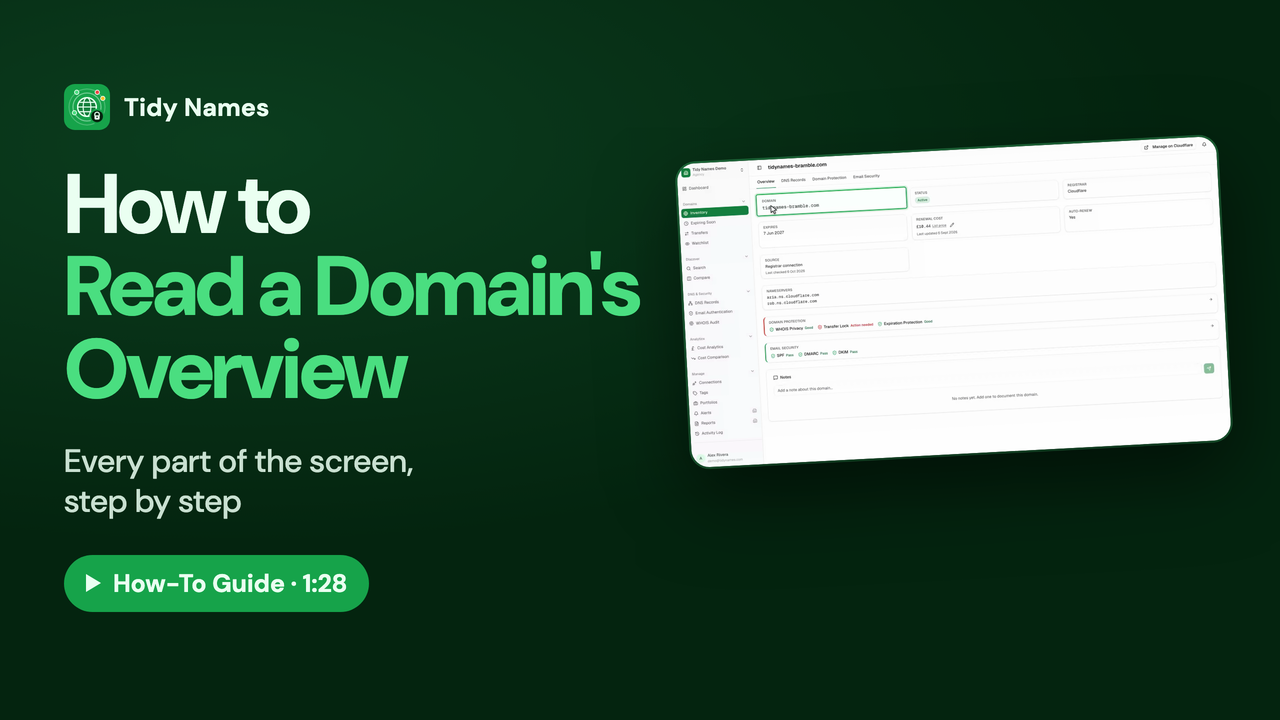 1:28
1:28How to Read a Domain's Overview
How to read a domain's Overview page in Tidy Names.
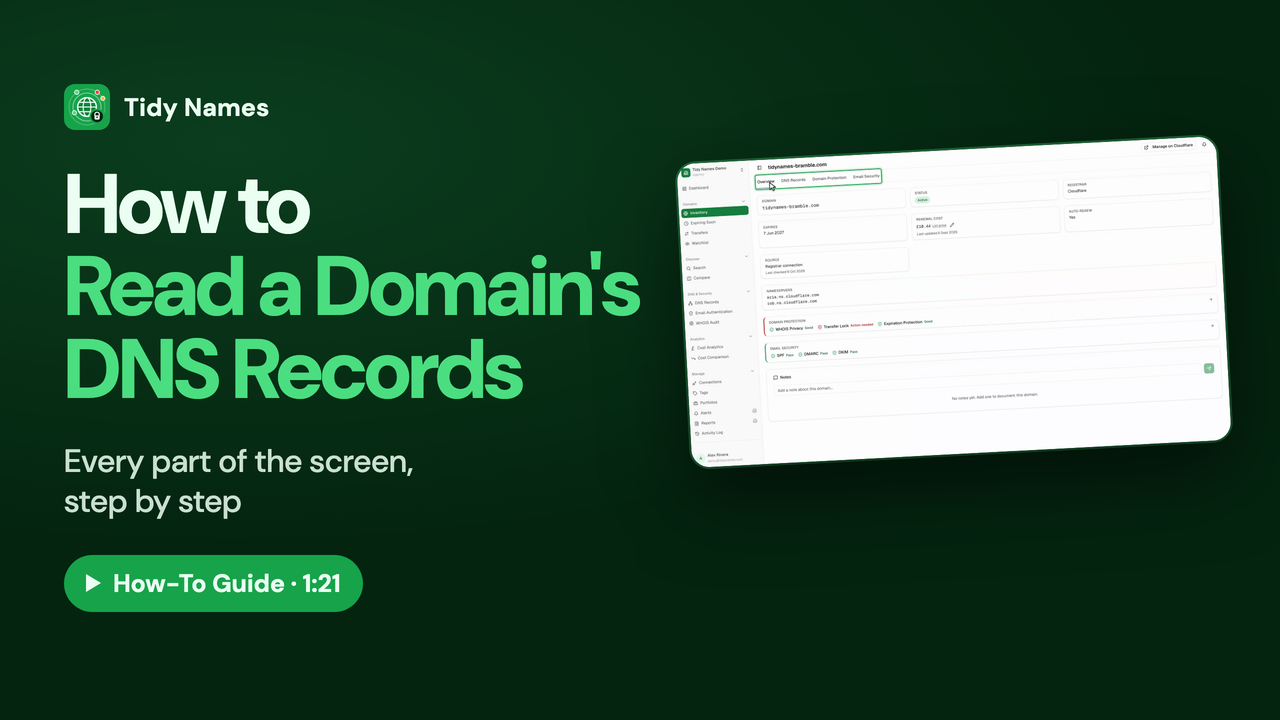 1:21
1:21How to Read a Domain's DNS Records
How to read a domain's DNS records in Tidy Names: A, CNAME, MX, TXT and NS explained.
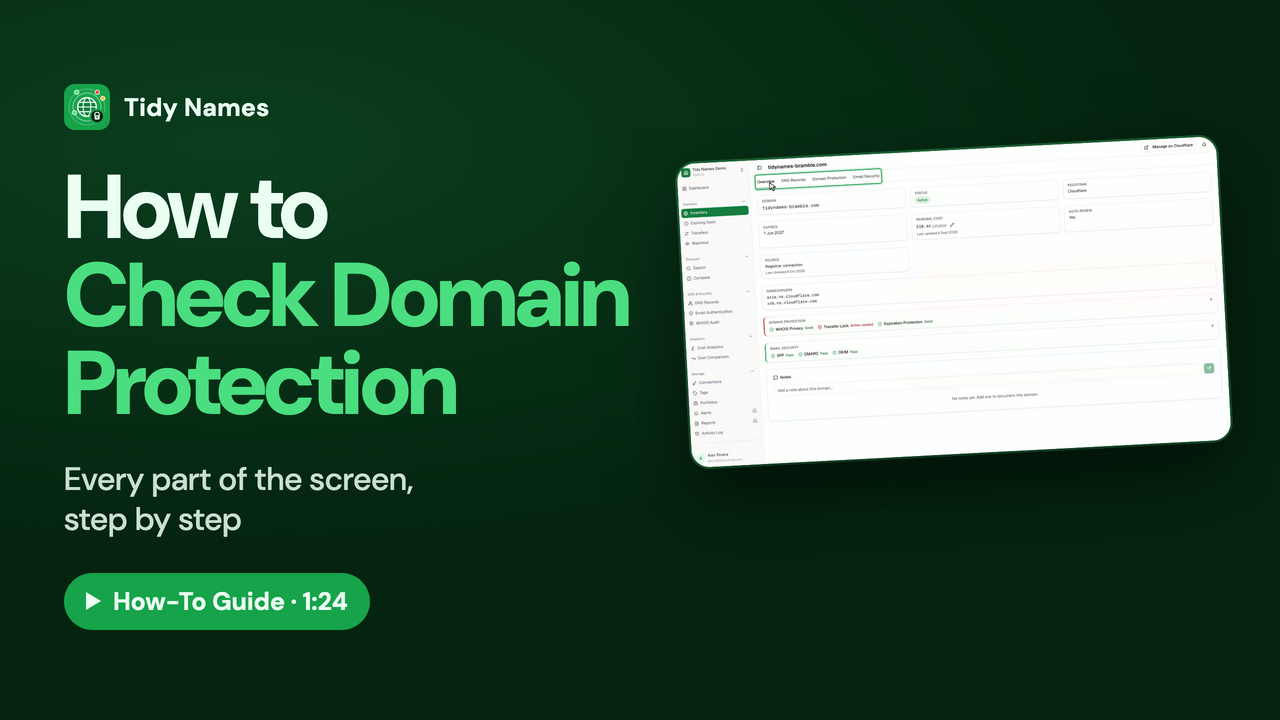 1:24
1:24How to Check Domain Protection
How to check a domain is protected in Tidy Names: WHOIS privacy, transfer lock and expiration protection.
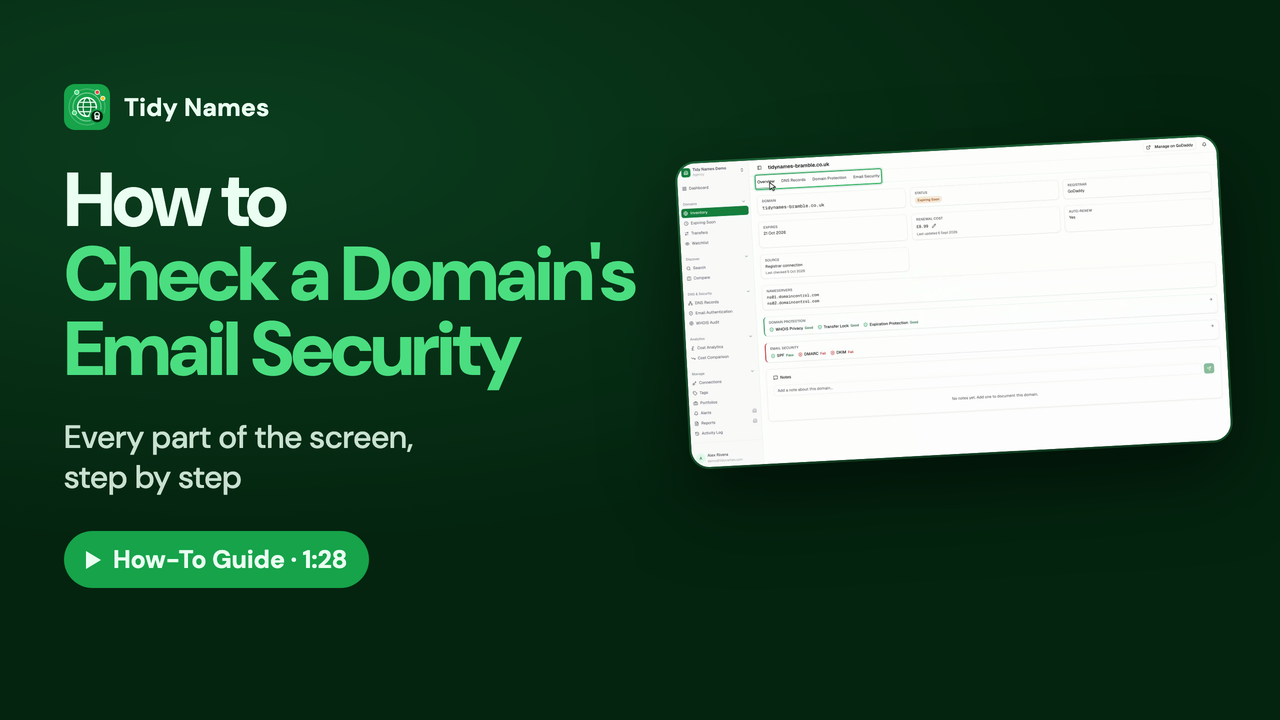 1:28
1:28How to Check a Domain's Email Security
How to check a domain's email security in Tidy Names: SPF, DMARC and DKIM.
Renewals and Alerts
Stay ahead of every renewal, with reminders and regular reports sent to your team.
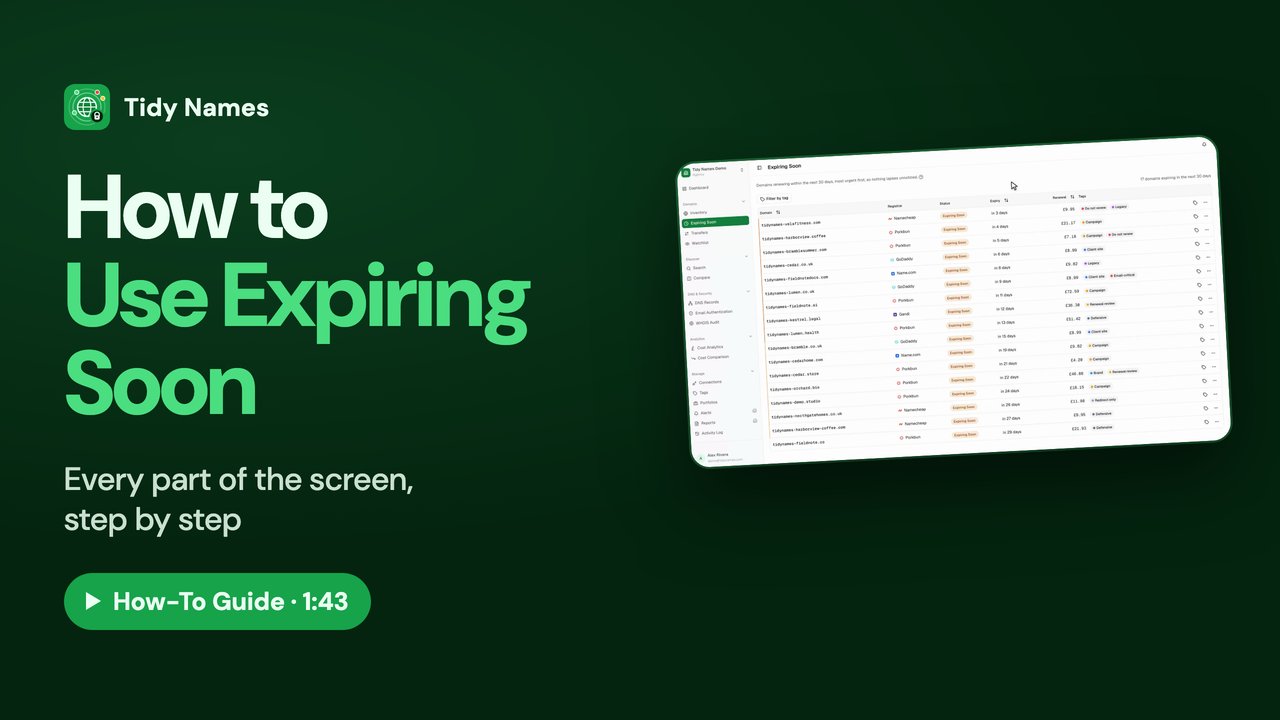 1:43
1:43How to Use Expiring Soon
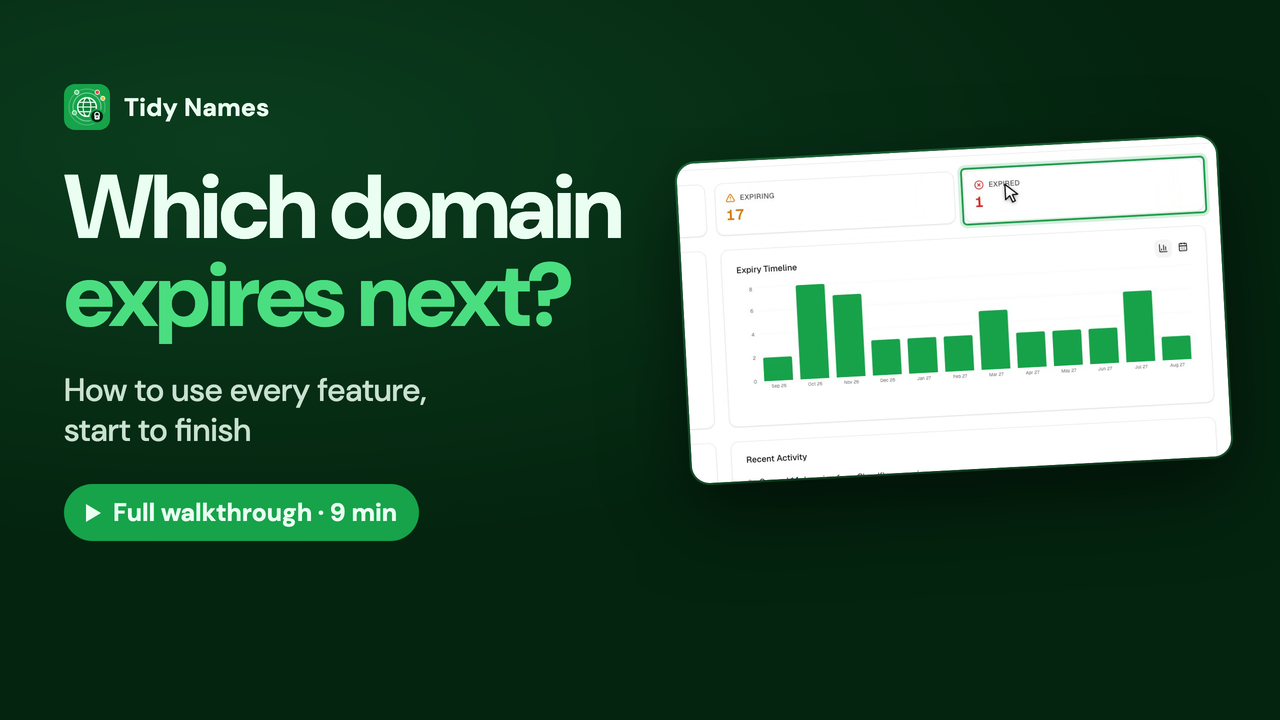
How to use Expiring Soon in Tidy Names - every domain that renews in the next 30 days, most urgent first.
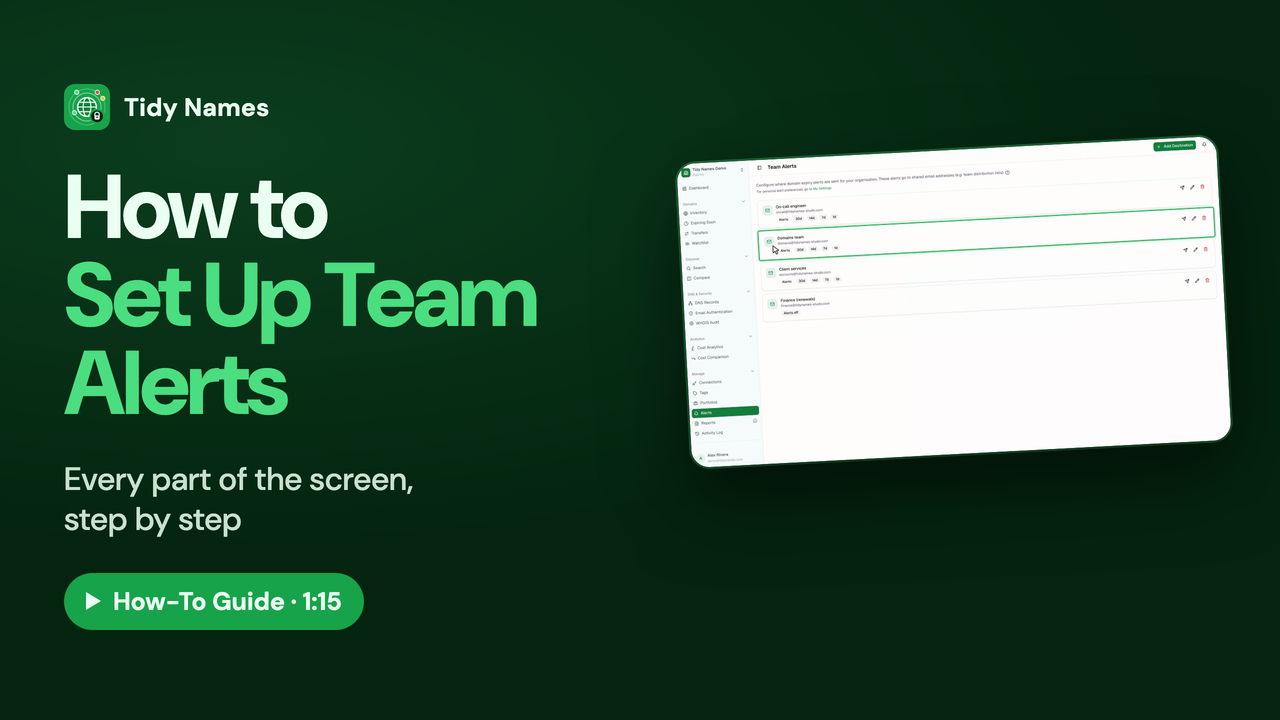 1:15
1:15How to Set Up Team Alerts
How to send domain expiry warnings to shared team mailboxes with Team Alerts in Tidy Names.
 1:17
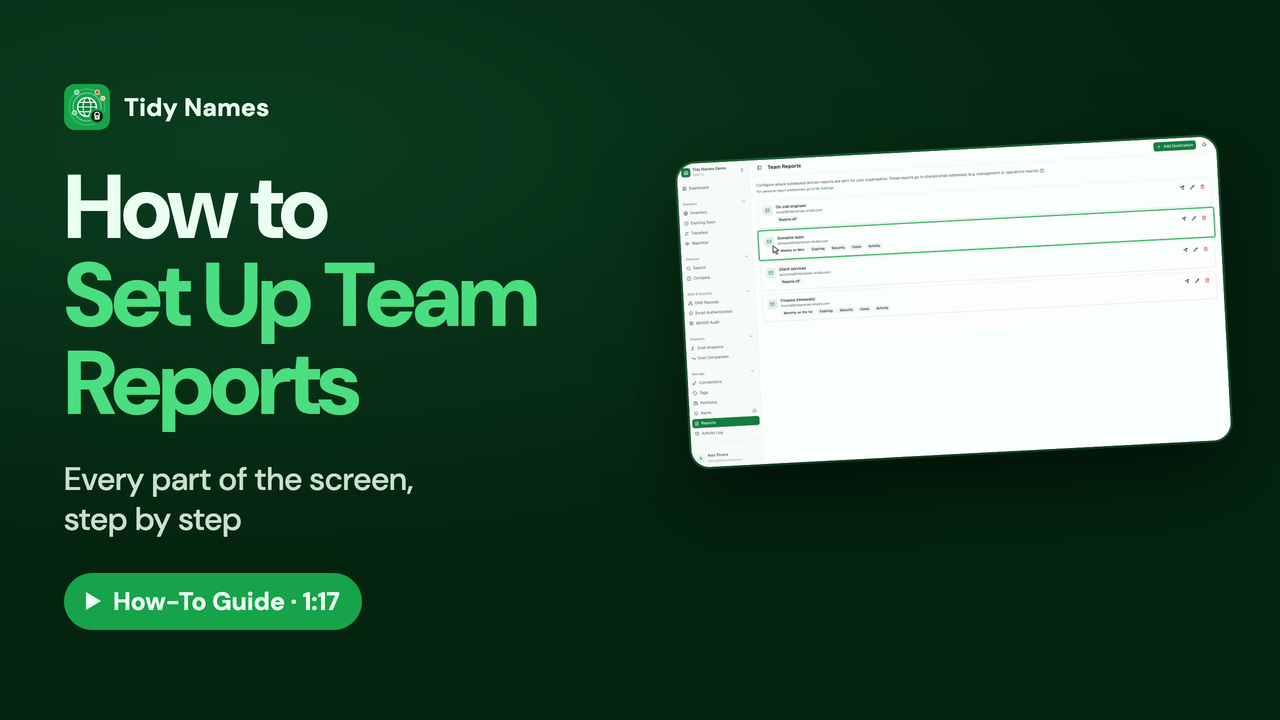
1:17How to Set Up Team Reports
How to send scheduled domain reports to your team with Team Reports in Tidy Names.
Security Across Your Portfolio
Check DNS records, email security and WHOIS privacy across every domain at once.
 1:27
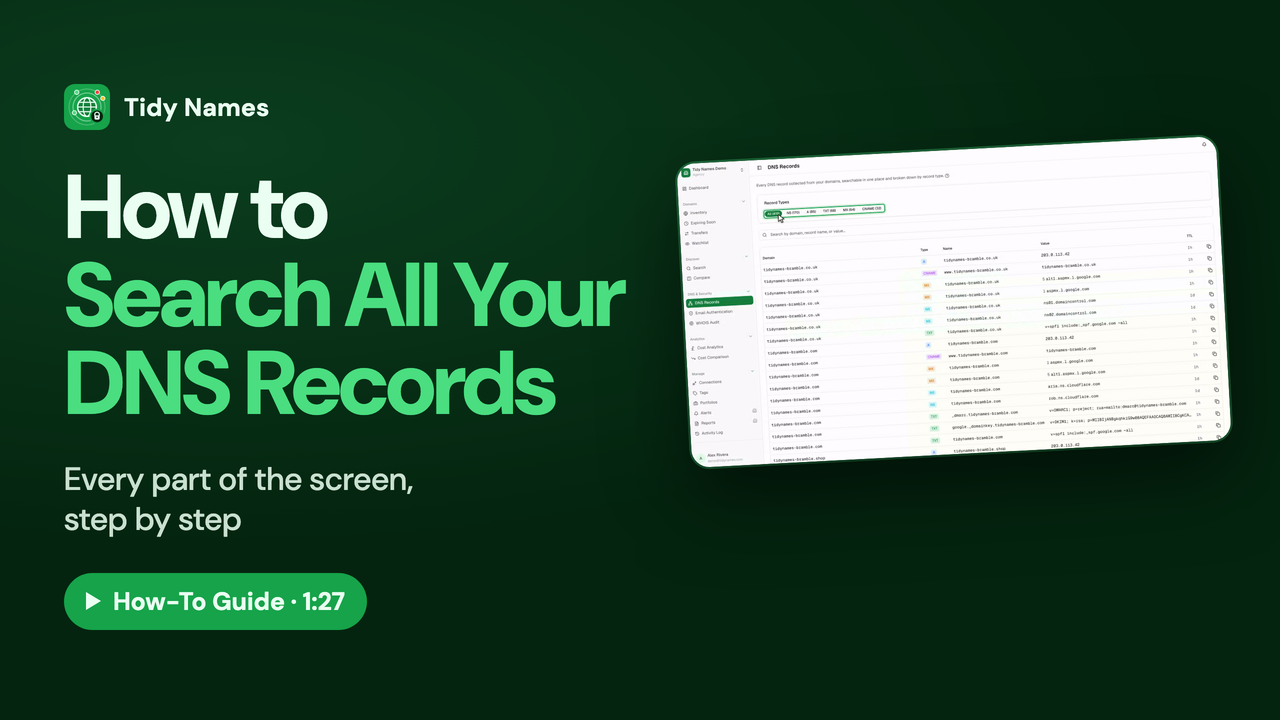
1:27How to Search All Your DNS Records
How to search every DNS record across all your domains in Tidy Names.
 1:31
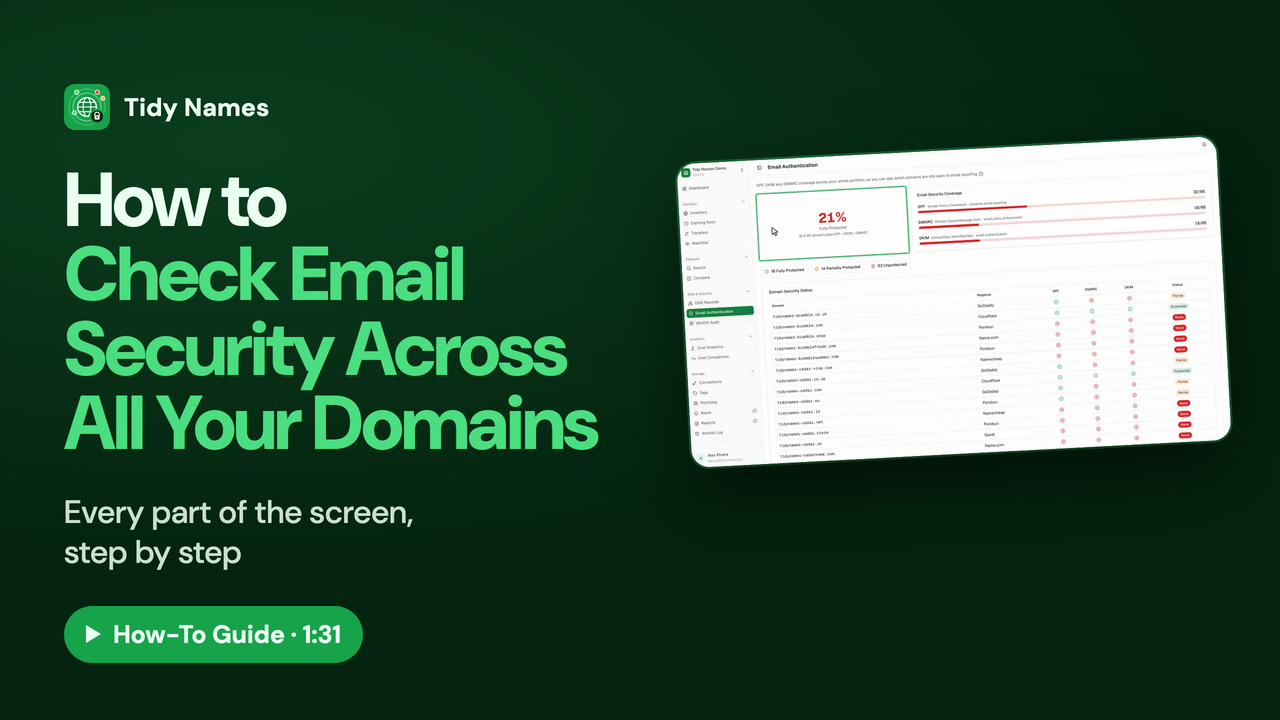
1:31How to Check Email Security Across All Your Domains
How to check SPF, DKIM and DMARC across all your domains at once in Tidy Names.
 1:16
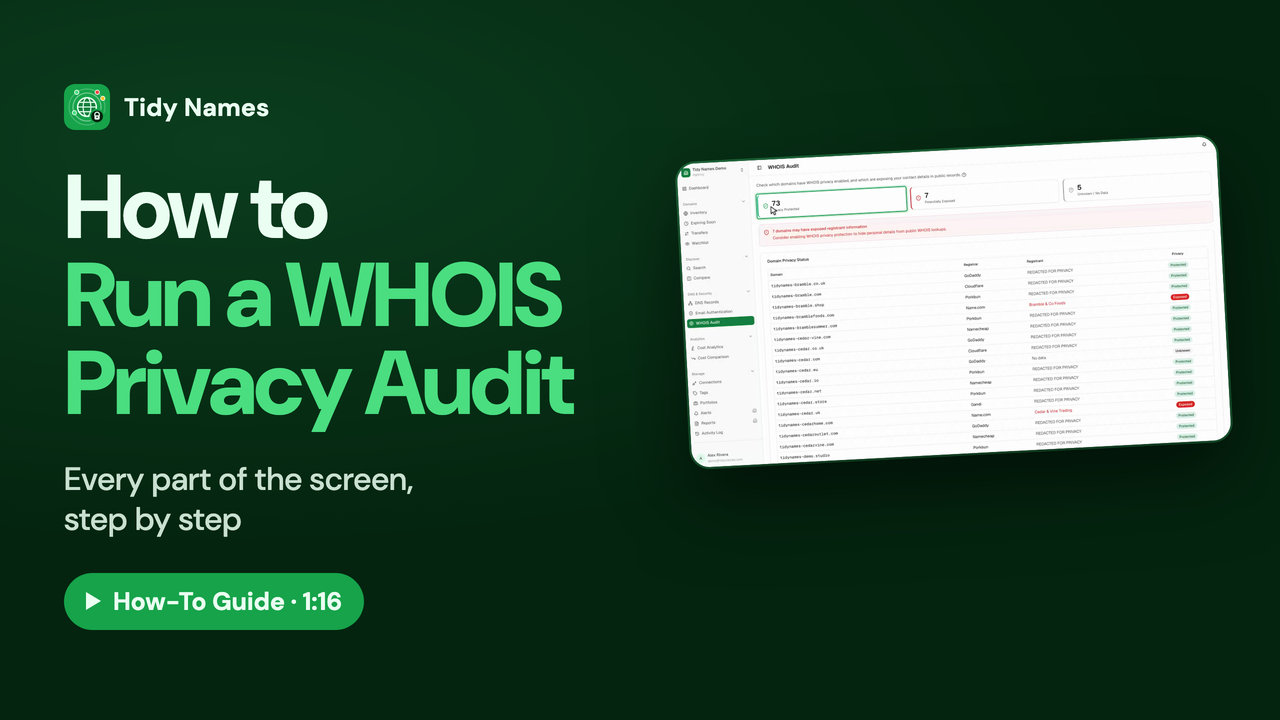
1:16How to Run a WHOIS Privacy Audit
How to check WHOIS privacy on all your domains with the Tidy Names WHOIS Audit.
Searching, Comparing and Watching
Look up any domain, compare domains side by side, watch ones you want, and track transfers.
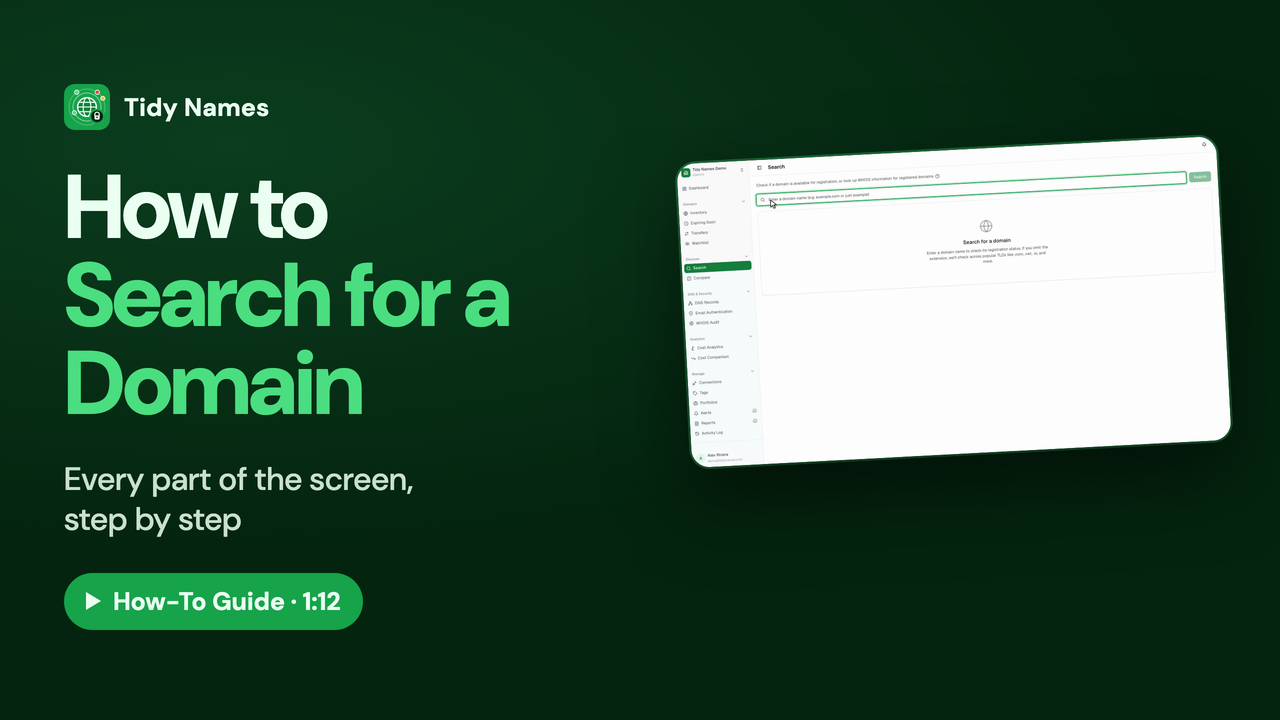 1:12
1:12How to Search for a Domain
How to check whether a domain is available, with Search in Tidy Names.
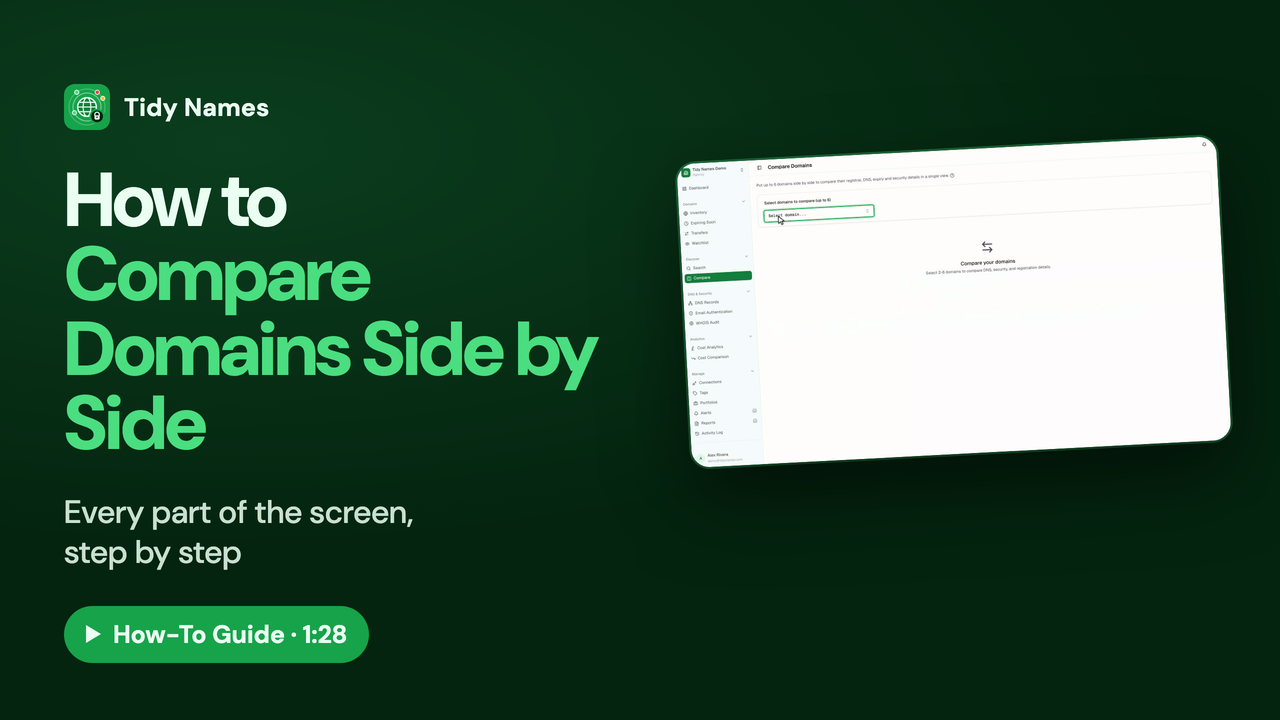 1:28
1:28How to Compare Domains Side by Side
How to compare up to six domains side by side in Tidy Names.
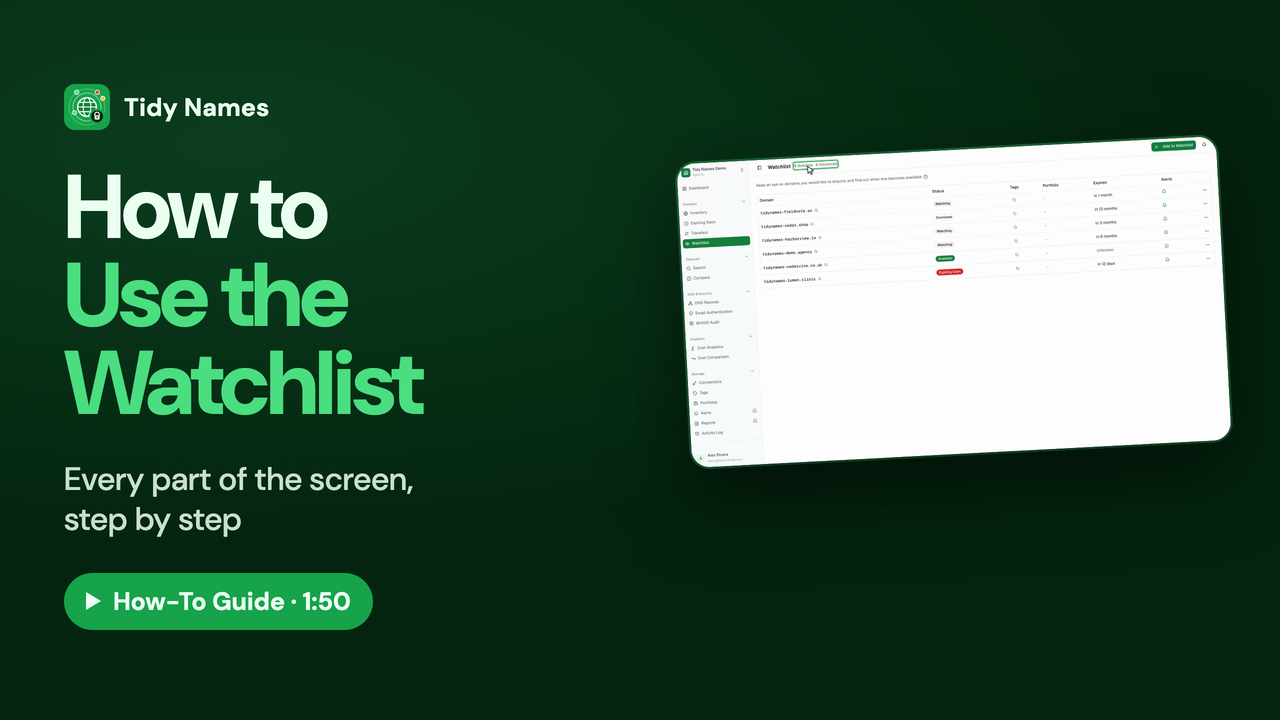 1:50
1:50How to Use the Watchlist
How to use the Tidy Names Watchlist to keep an eye on domains you'd like to own.
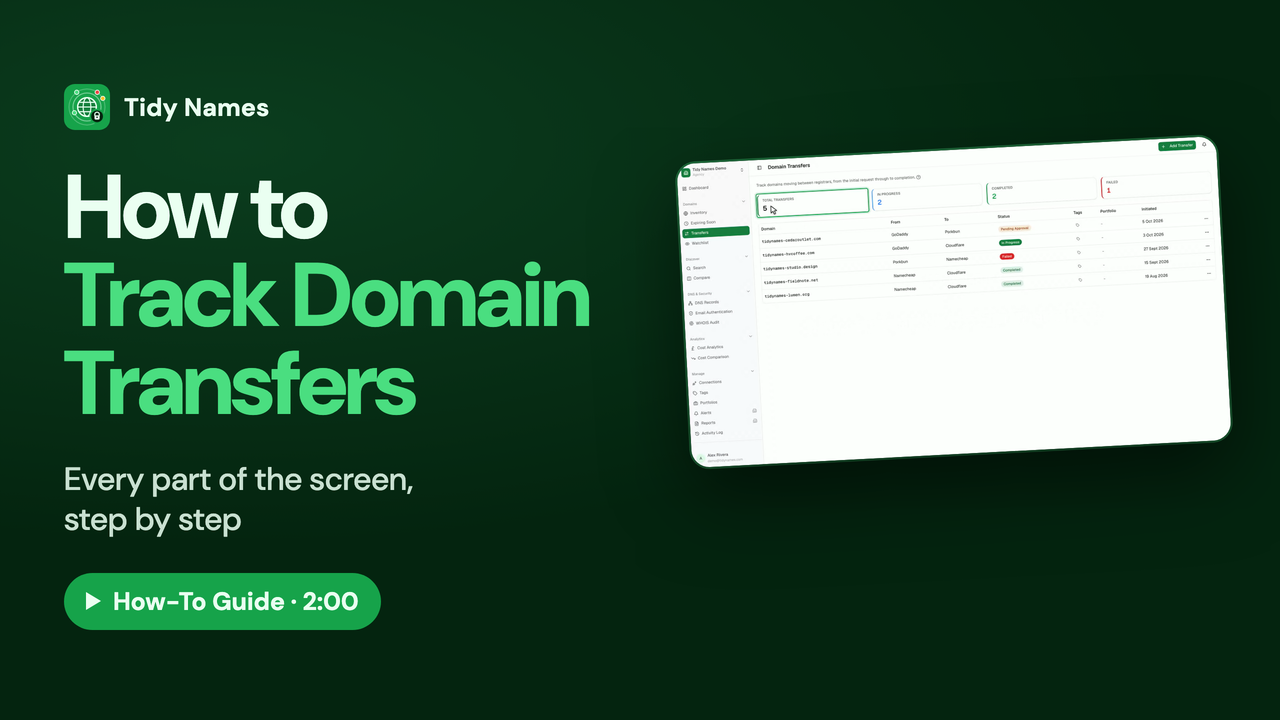 2:00
2:00How to Track Domain Transfers
How to track a domain transfer between registrars in Tidy Names.
Costs and Renewal Prices
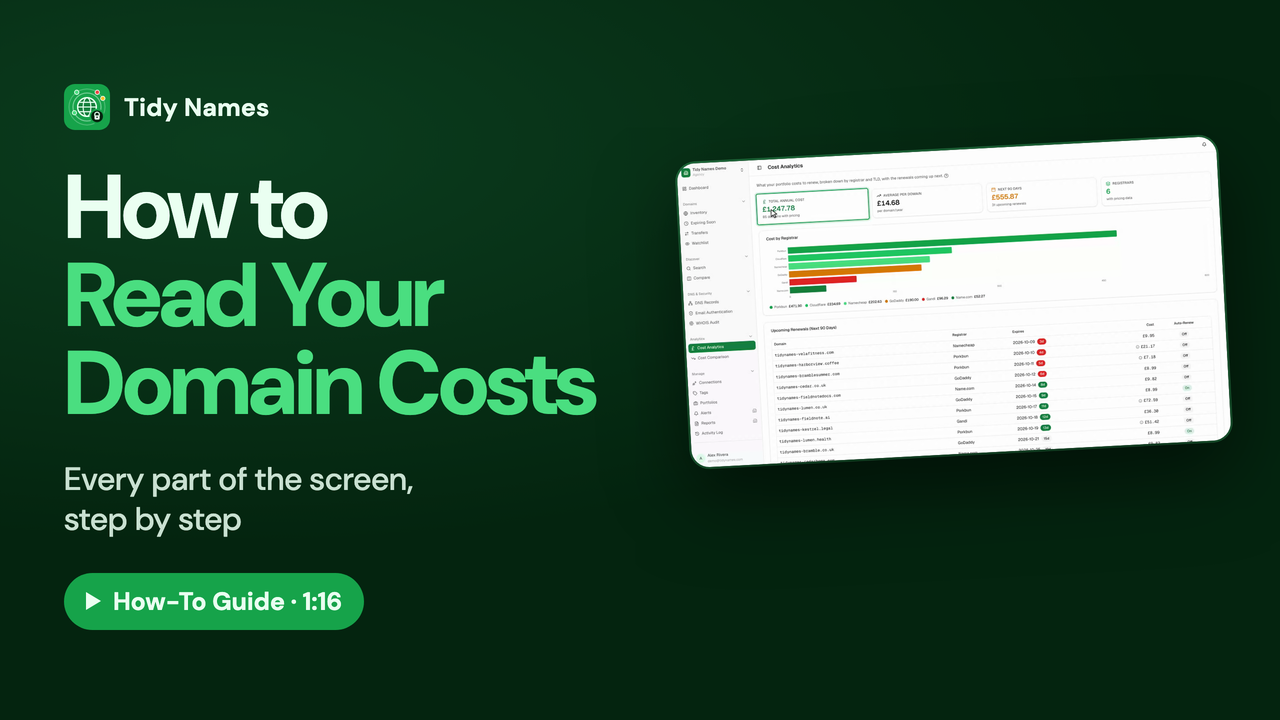
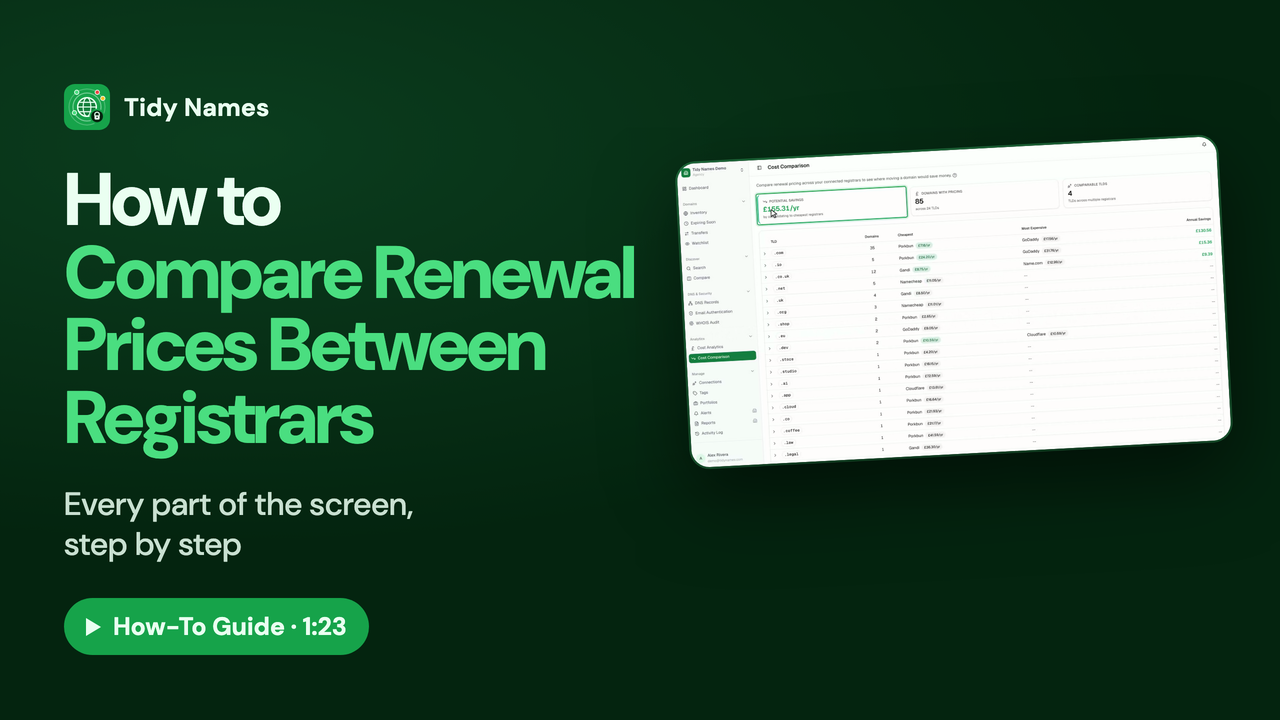
See what your domains cost to renew, and compare renewal prices between registrars.
Organising Your Domains
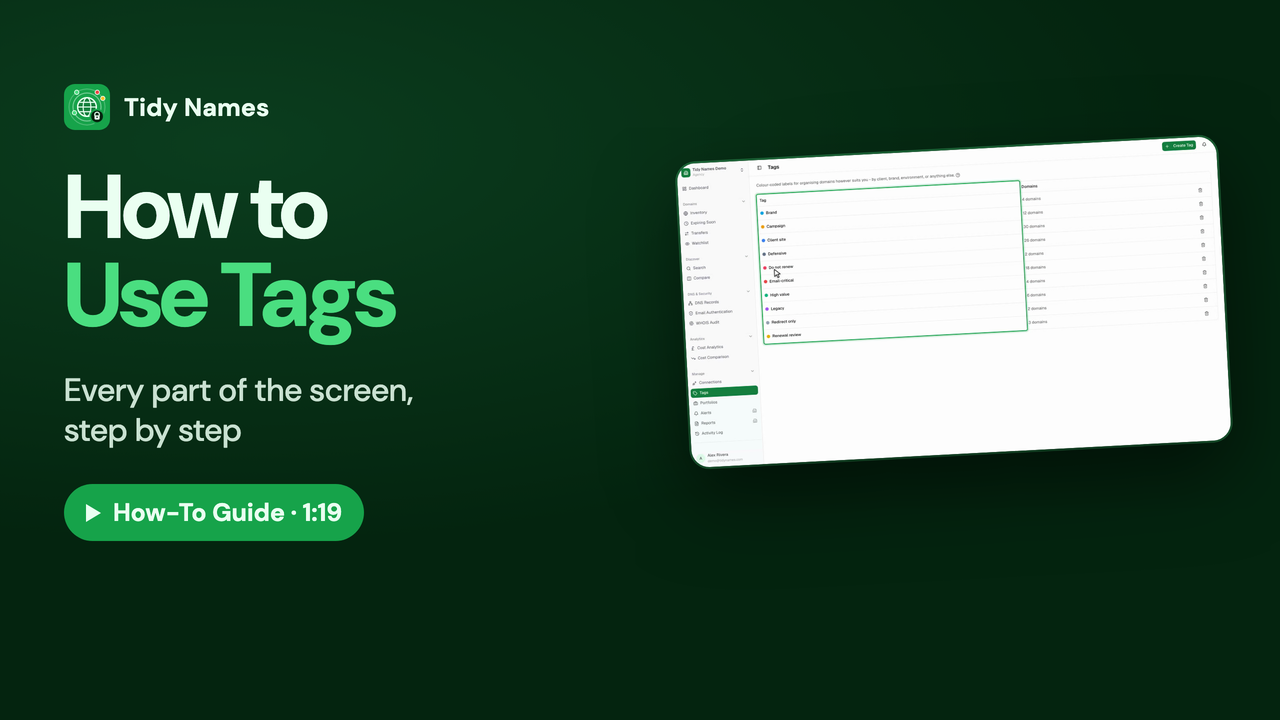
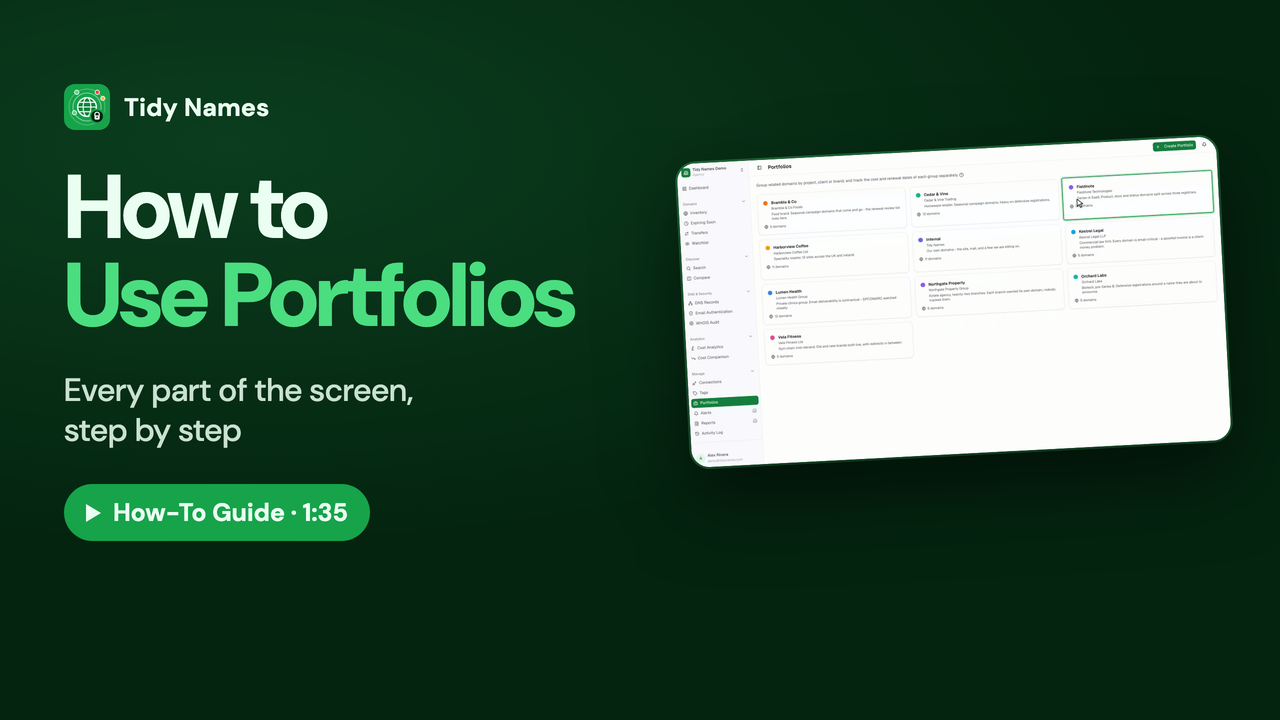
Group domains by client, project or purpose with tags and portfolios.
Your Team and Organisation
Members and roles, organisation settings, the activity log, API keys and your plan.
 1:25
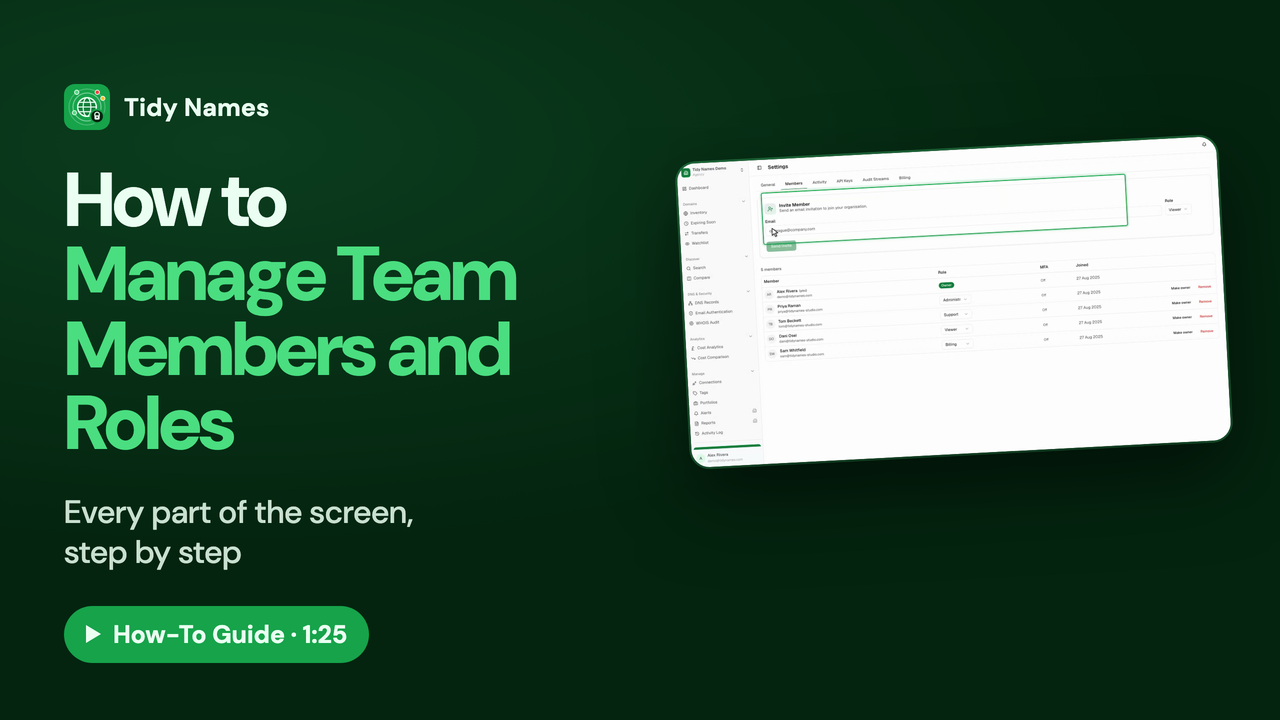
1:25How to Manage Team Members and Roles
How to invite your team to Tidy Names and choose what each person can do.
 1:23
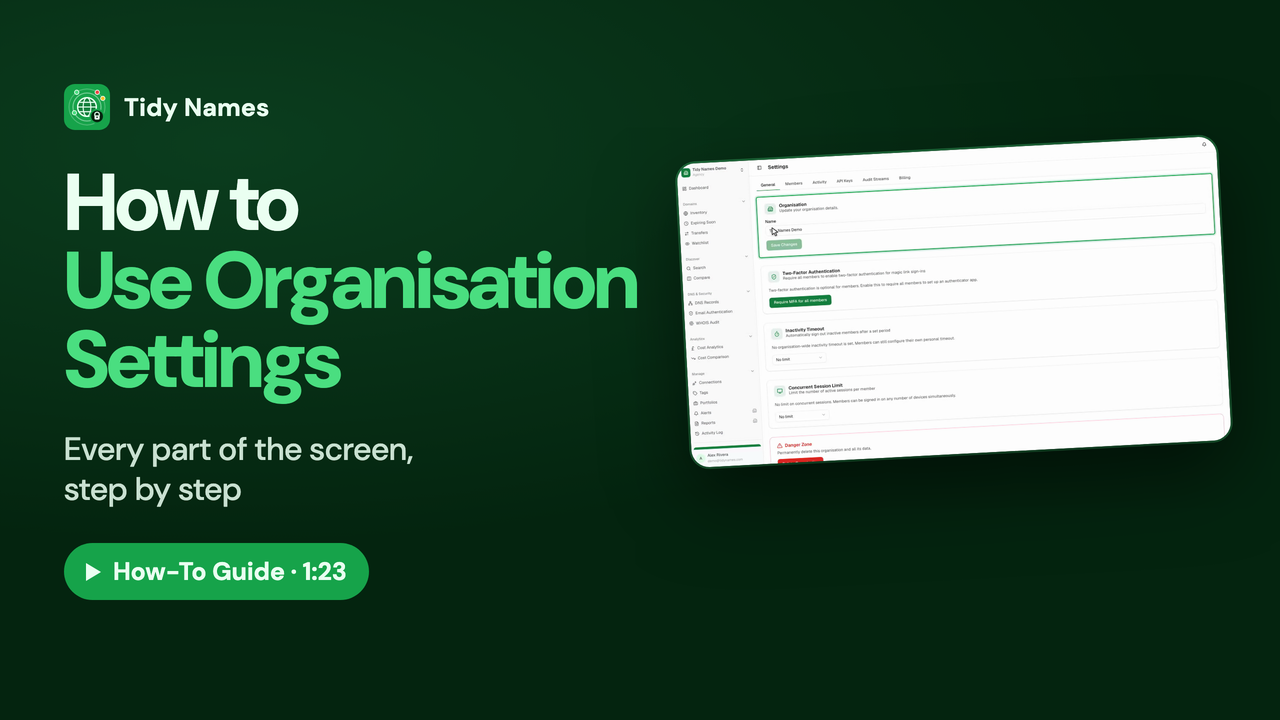
1:23How to Use Organisation Settings
How to use your organisation's General settings in Tidy Names.
 1:16
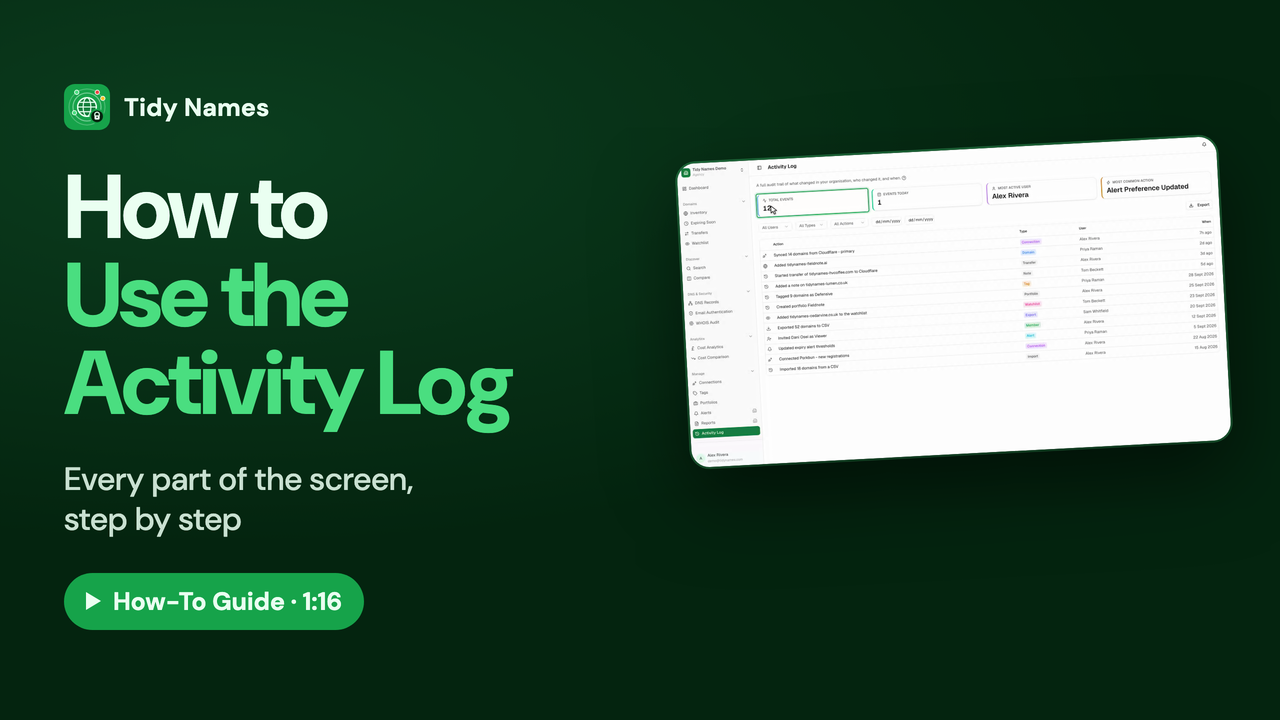
1:16How to Use the Activity Log
How to see who changed what, and when, with the Tidy Names Activity Log.
 1:06
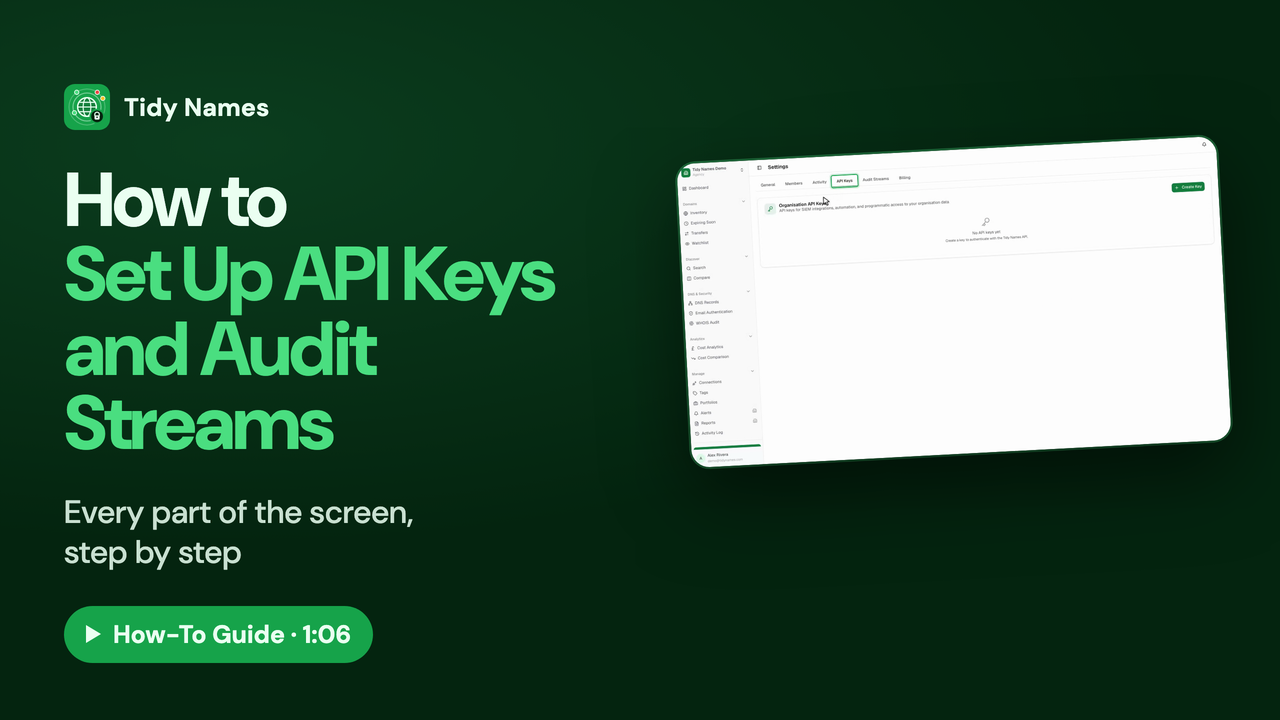
1:06How to Set Up API Keys and Audit Streams
How to set up API keys and audit streams in Tidy Names.
 1:04
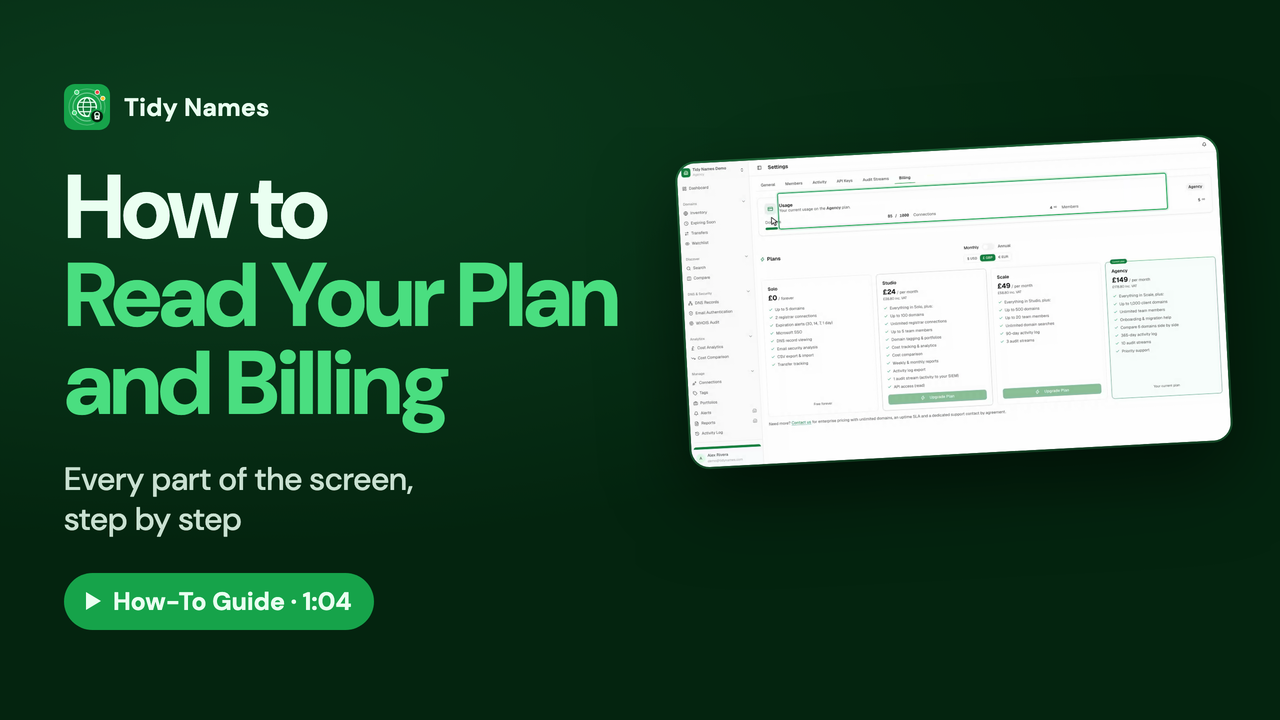
1:04How to Read Your Plan and Billing
How to read your plan, usage and billing in Tidy Names.
Your Account
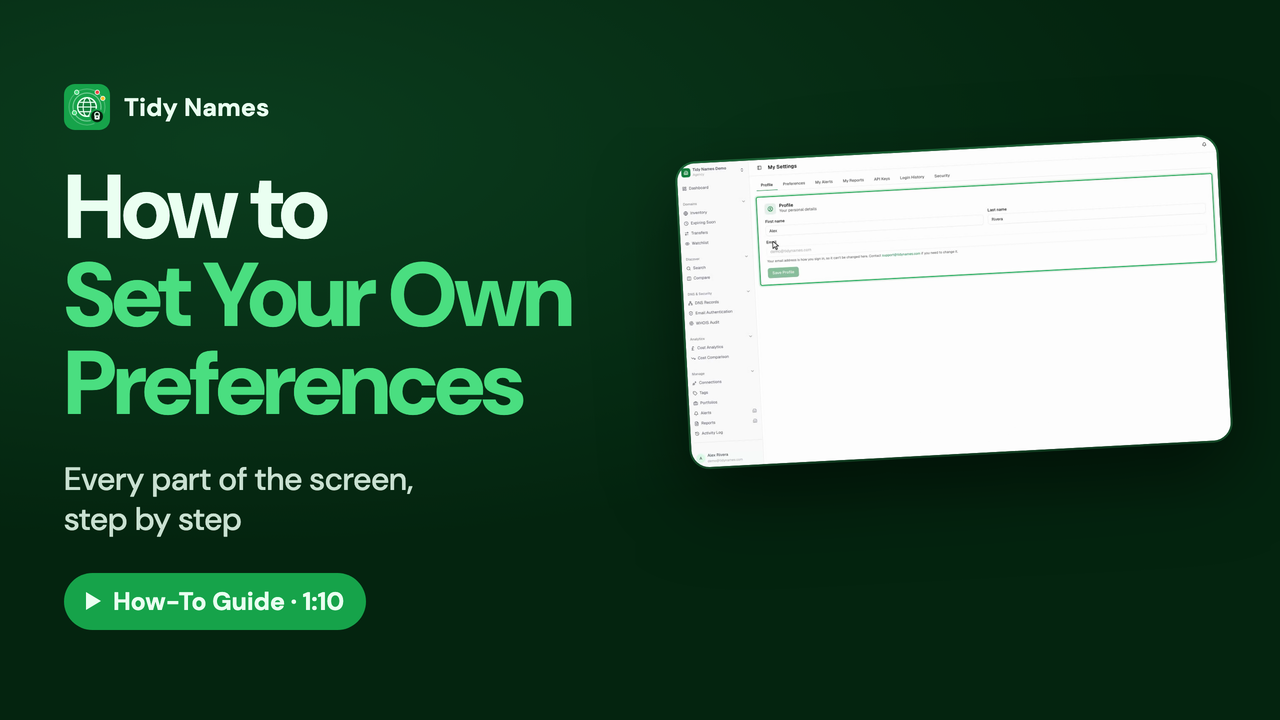
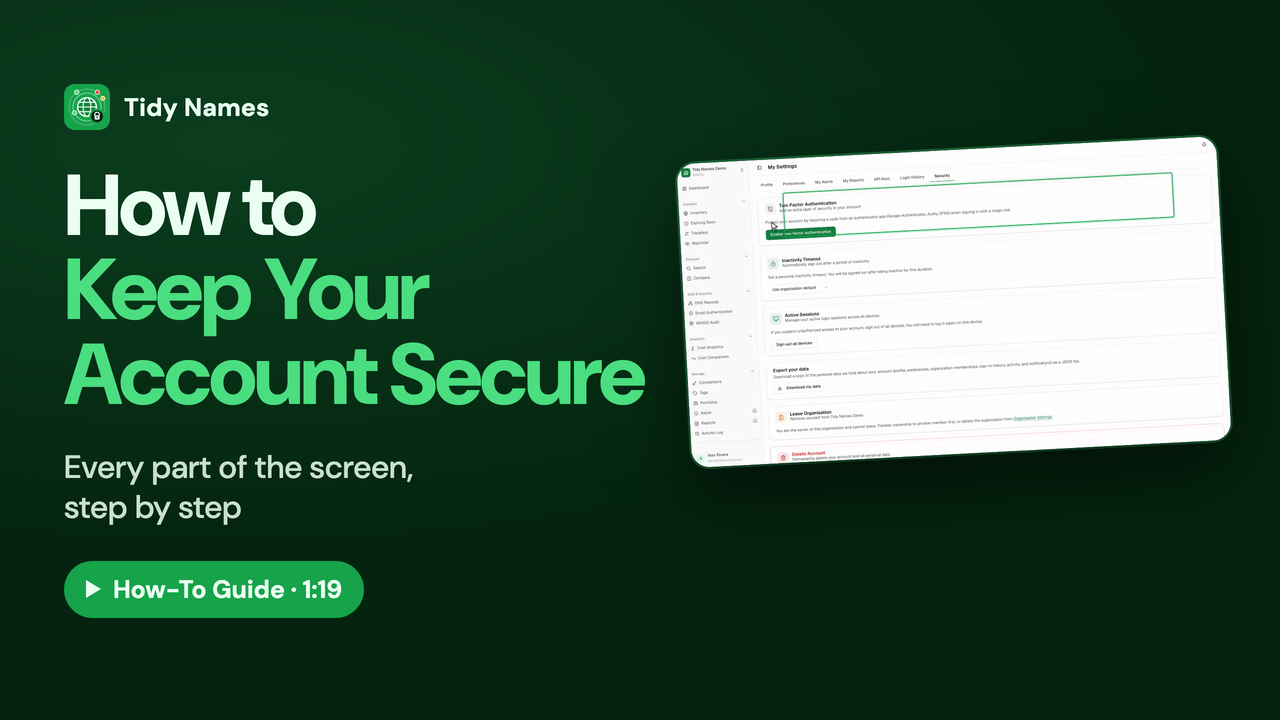
Your own preferences, and keeping your sign-in secure.