All videos
How-to guide 3 · 1:12
How to Add a Domain by Hand
How to add a single domain to Tidy Names by hand.
This guide covers opening Add Domain from the Inventory, the three ways to add domains, choosing Add Manually, typing the domain name, what Tidy Names looks up for you (registrar, expiry date, nameservers and DNS records), and where the domain appears afterwards.
Questions about this guide?
Ask us anything about this part of Tidy Names, or watch the whole product from start to finish.
More Guides
 1:24
1:24How to Import Domains from a Spreadsheet
How to import your domains into Tidy Names from a spreadsheet (CSV).
 1:33
1:33How to Connect a Registrar
How to connect a registrar account to Tidy Names, so your domains sync automatically.
 1:40
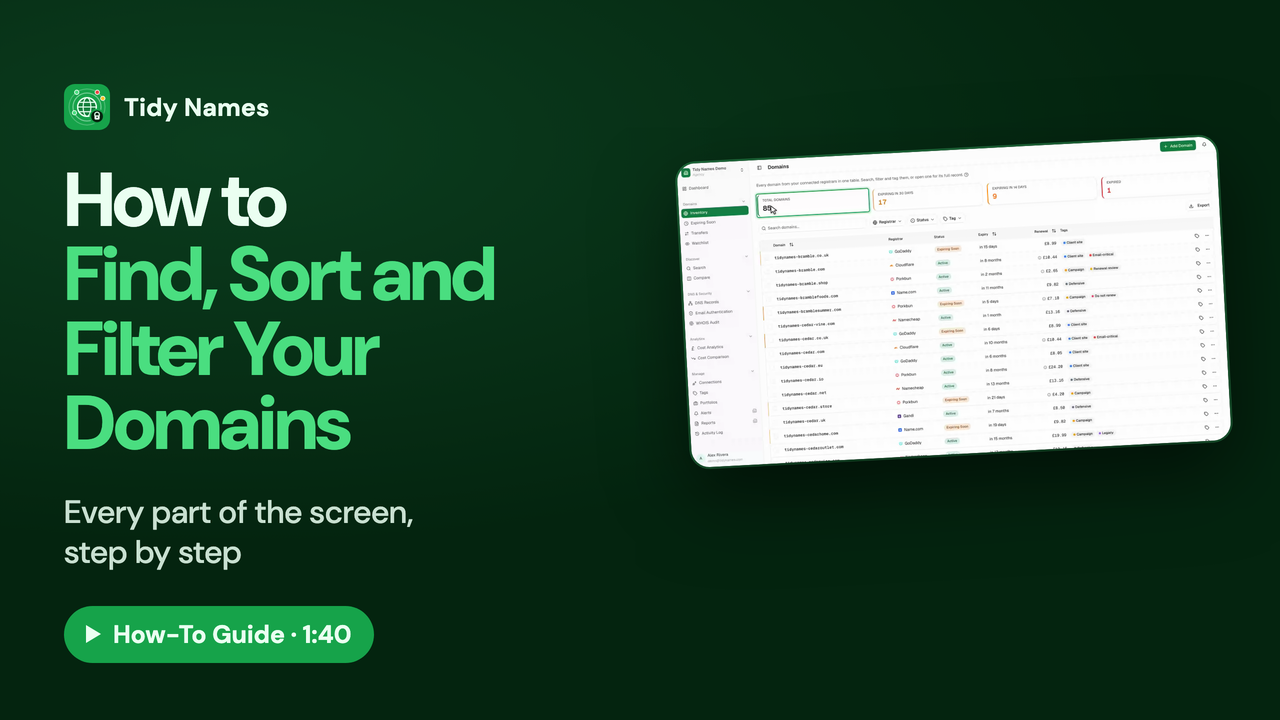
1:40How to Find, Sort and Filter Your Domains
How to find, sort and filter your domains in the Tidy Names Inventory.