All videos
How-to guide 7 · 1:10
How to Use Bulk Actions and Export
How to work on many domains at once in Tidy Names, and export your list.
This guide covers ticking rows, the selection bar, Select all, tagging domains in bulk, Export Selected and Clear, exporting the whole Inventory as a CSV file, and exporting just a filtered list.
Questions about this guide?
Ask us anything about this part of Tidy Names, or watch the whole product from start to finish.
More Guides
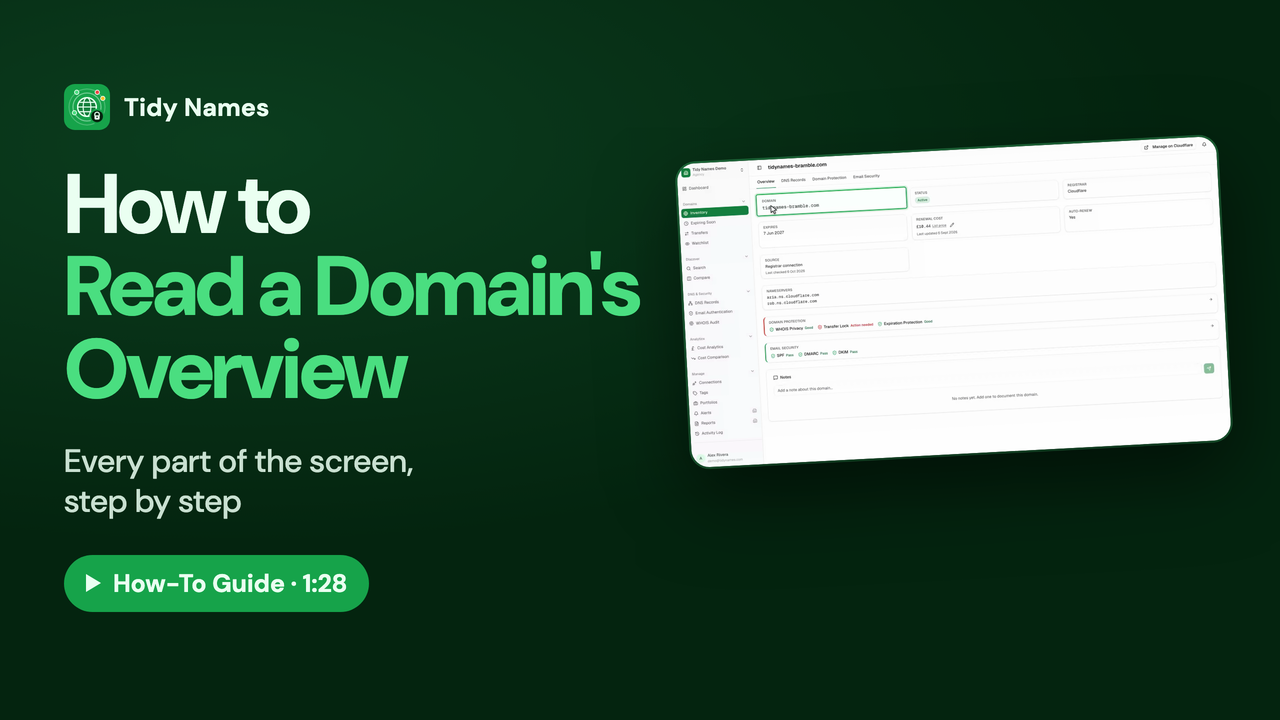 1:28
1:28How to Read a Domain's Overview
How to read a domain's Overview page in Tidy Names.
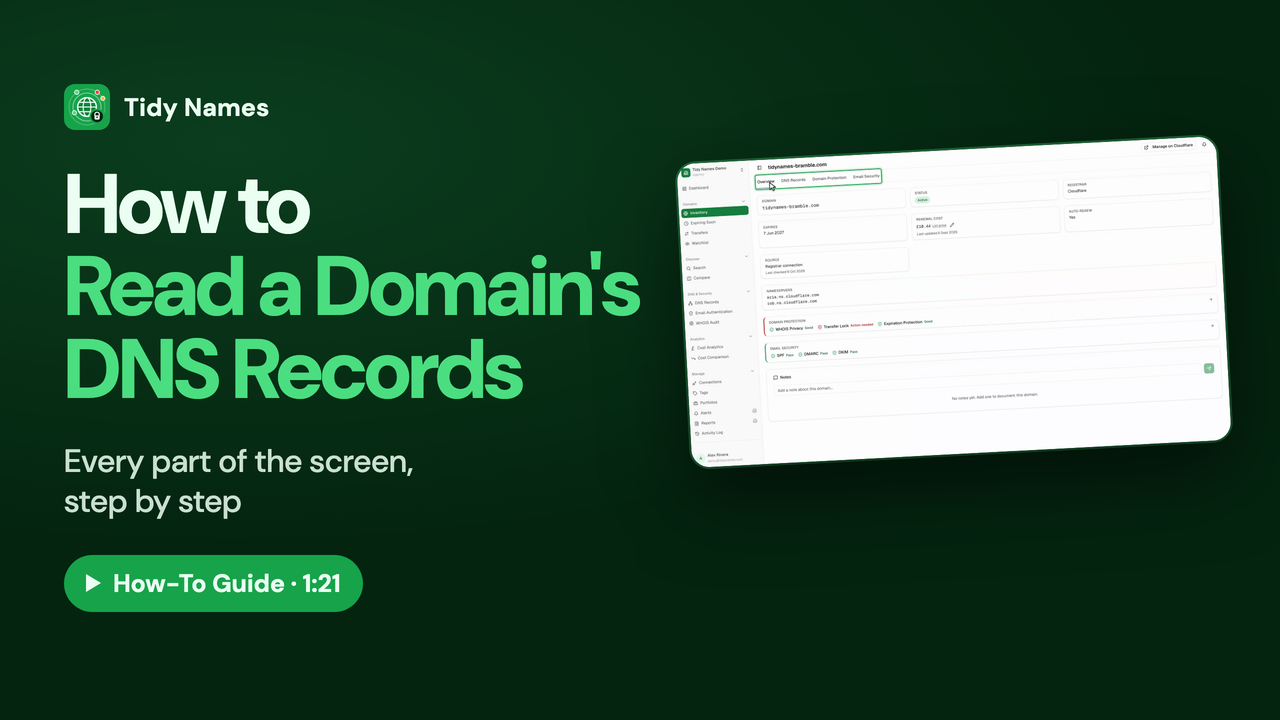 1:21
1:21How to Read a Domain's DNS Records
How to read a domain's DNS records in Tidy Names: A, CNAME, MX, TXT and NS explained.
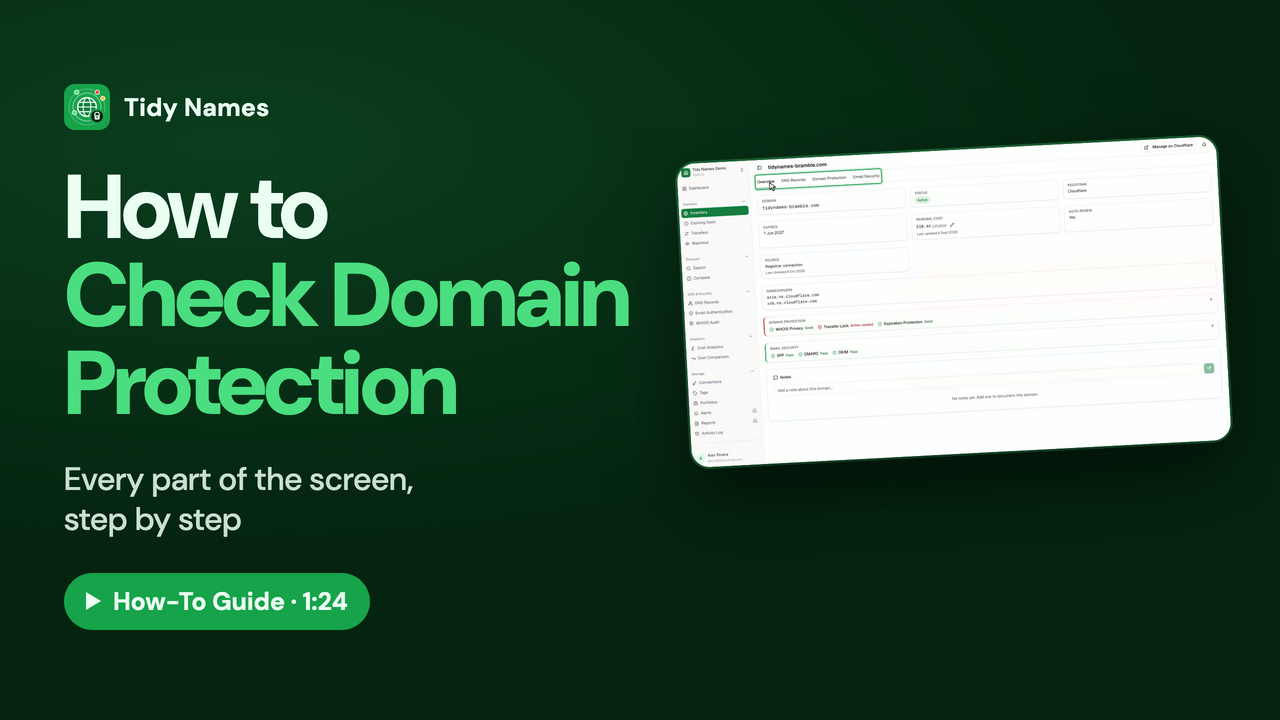 1:24
1:24How to Check Domain Protection
How to check a domain is protected in Tidy Names: WHOIS privacy, transfer lock and expiration protection.