All videos
How-to guide 16 · 1:27
How to Search All Your DNS Records
How to search every DNS record across all your domains in Tidy Names.
This guide covers the record type chips and what NS, A, TXT, MX and CNAME records do, filtering by type, every column including TTL, copying a value, moving between pages, and searching by domain, name or value.
Questions about this guide?
Ask us anything about this part of Tidy Names, or watch the whole product from start to finish.
More Guides
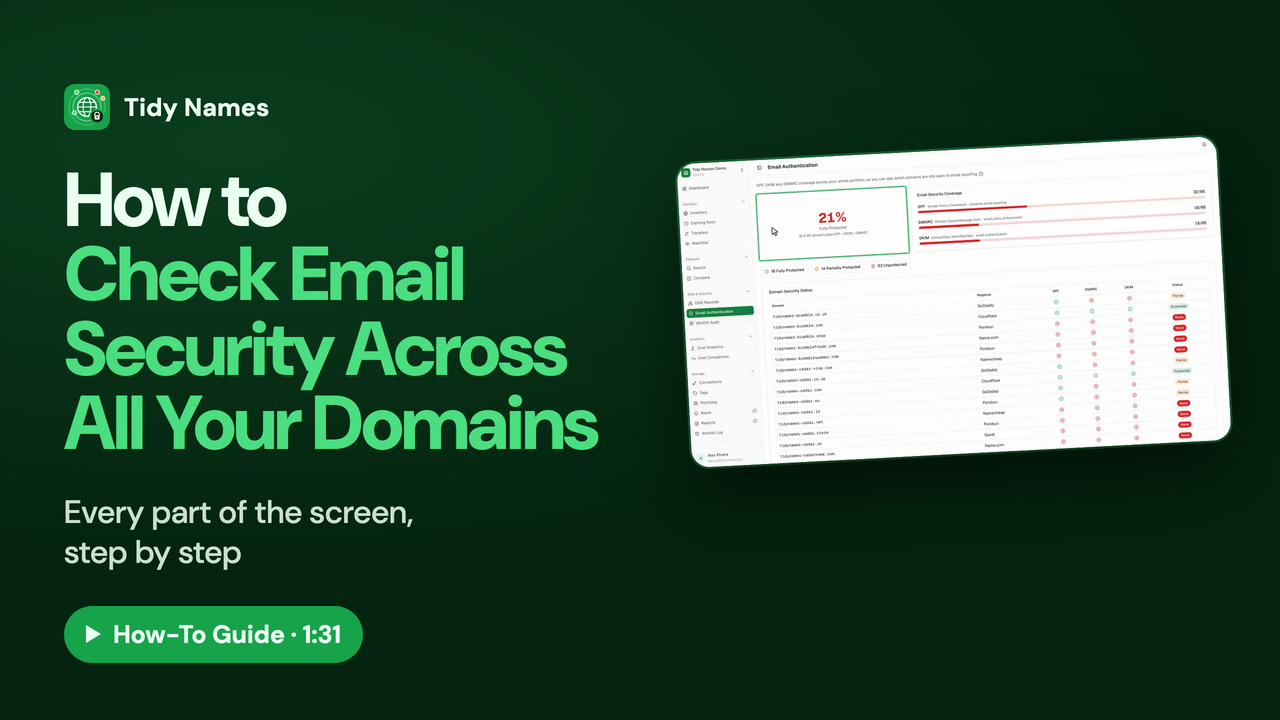 1:31
1:31How to Check Email Security Across All Your Domains
How to check SPF, DKIM and DMARC across all your domains at once in Tidy Names.
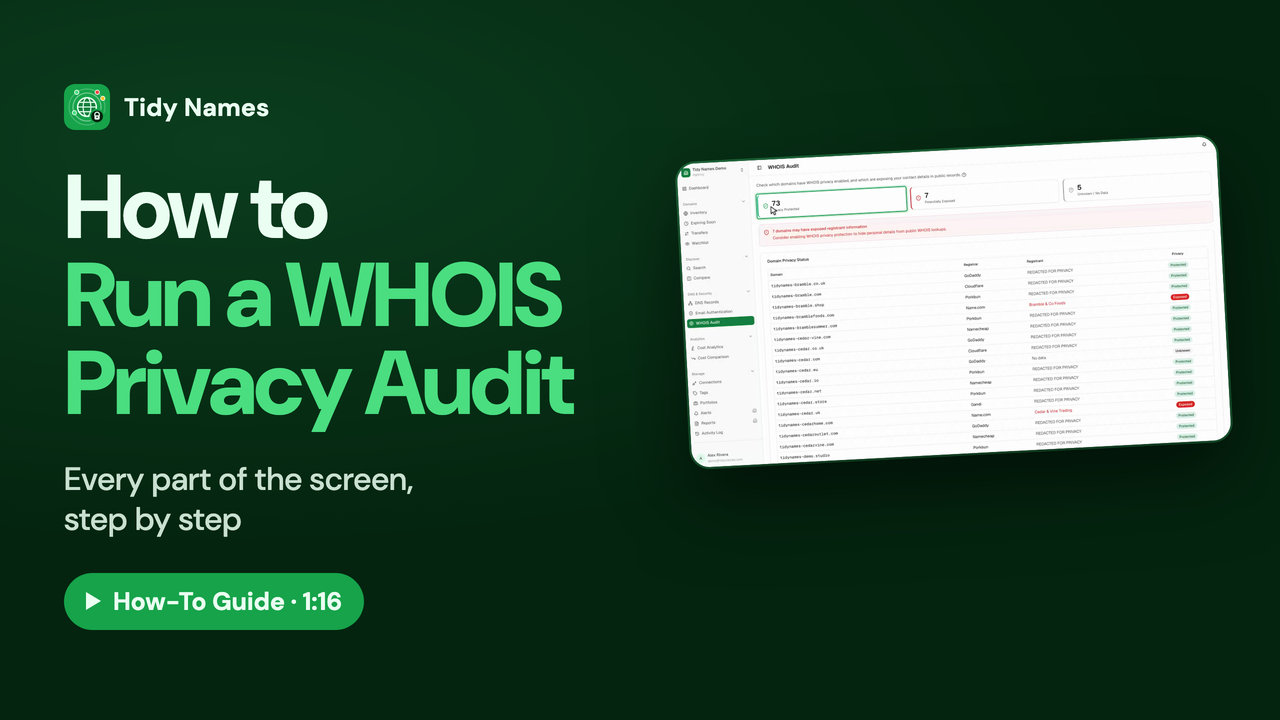 1:16
1:16How to Run a WHOIS Privacy Audit
How to check WHOIS privacy on all your domains with the Tidy Names WHOIS Audit.
 1:16
1:16How to Read Your Domain Costs
How to see what your domains cost to renew, with Cost Analytics in Tidy Names.