All videos
How-to guide 6 · 1:40
How to Find, Sort and Filter Your Domains
How to find, sort and filter your domains in the Tidy Names Inventory.
This guide covers the four total cards and where they lead, every column in the table, the tag and actions buttons on each row, searching, the Registrar, Status and Tag filters, clearing filters, sorting, and moving between pages.
Questions about this guide?
Ask us anything about this part of Tidy Names, or watch the whole product from start to finish.
More Guides
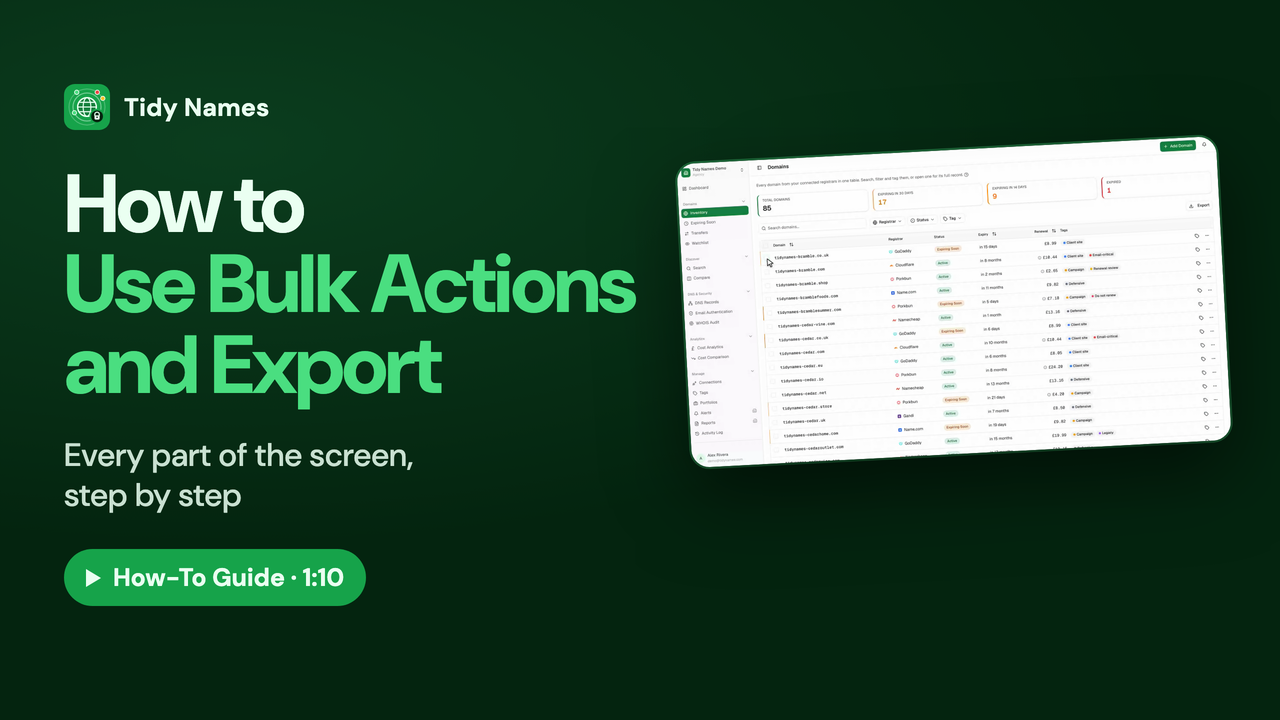 1:10
1:10How to Use Bulk Actions and Export
How to work on many domains at once in Tidy Names, and export your list.
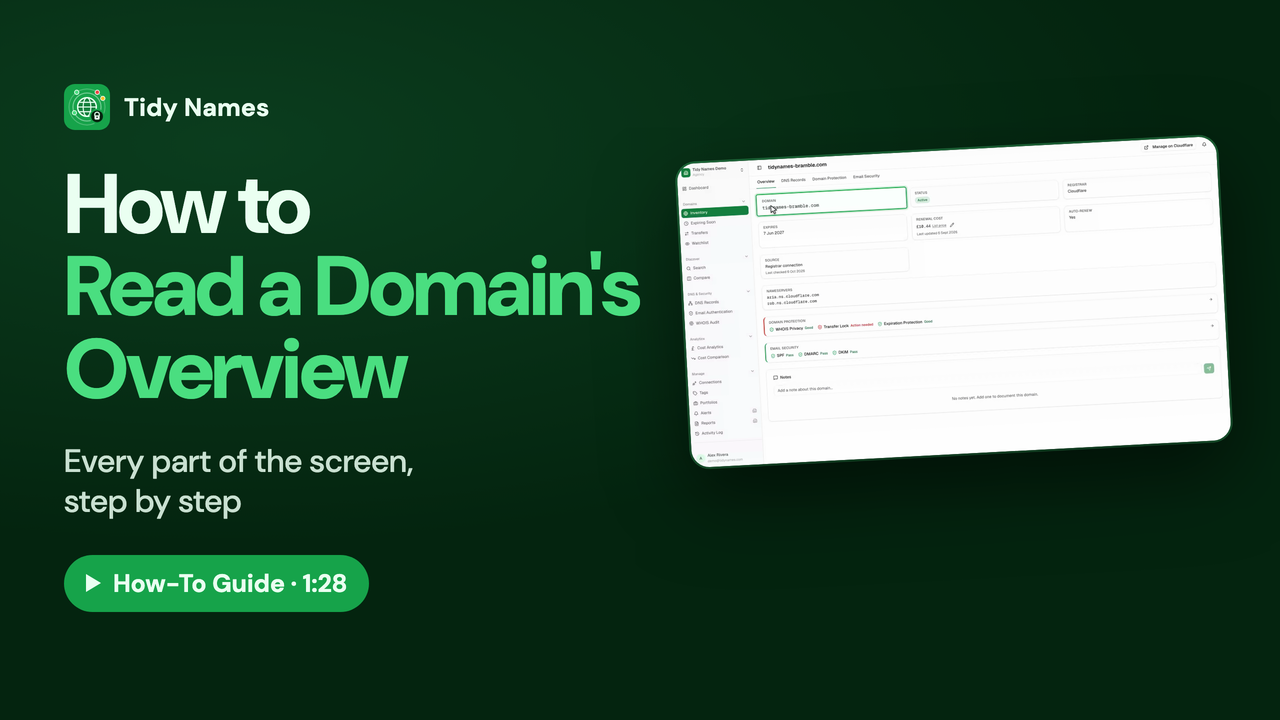 1:28
1:28How to Read a Domain's Overview
How to read a domain's Overview page in Tidy Names.
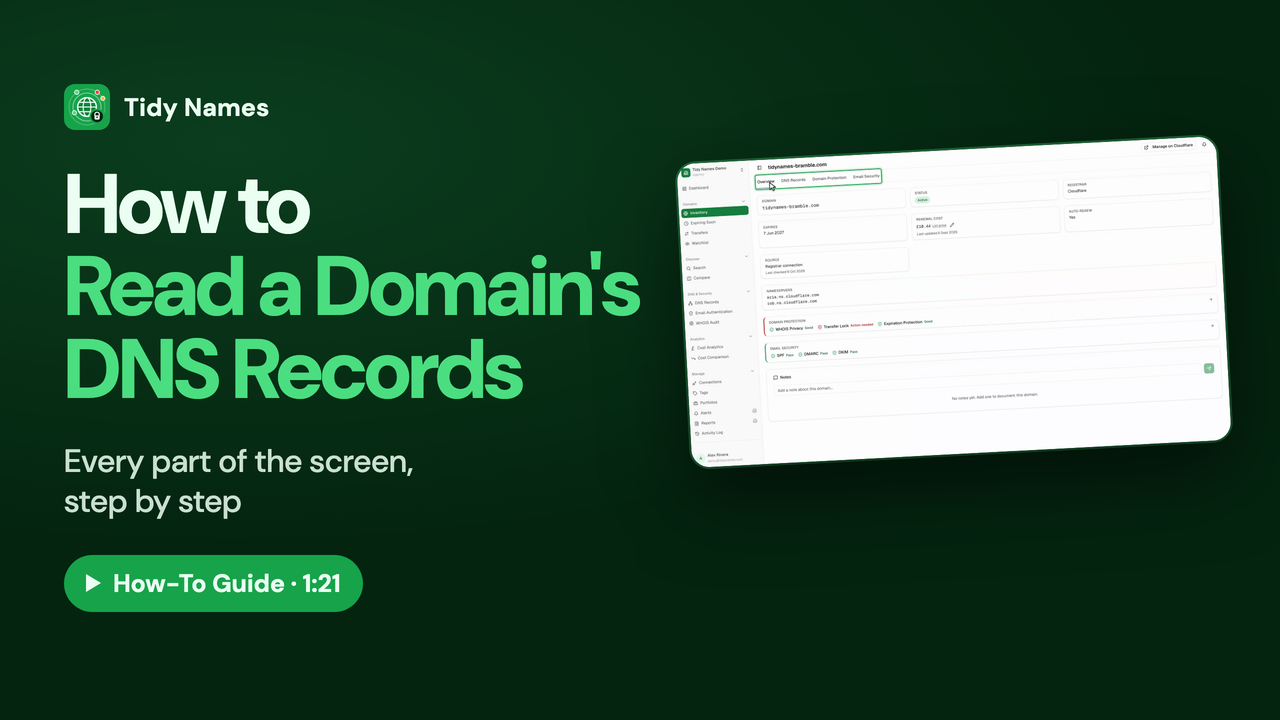 1:21
1:21How to Read a Domain's DNS Records
How to read a domain's DNS records in Tidy Names: A, CNAME, MX, TXT and NS explained.