All videos
How-to guide 2 · 1:34
How to Read Your Dashboard
How to read your Tidy Names dashboard - the health check of every domain you hold.
This guide covers the four totals (all domains, active, expiring, expired), how your domains are split between registrars, the expiry timeline as a bar chart or calendar, the status breakdown, and recent activity in your account.
Questions about this guide?
Ask us anything about this part of Tidy Names, or watch the whole product from start to finish.
More Guides
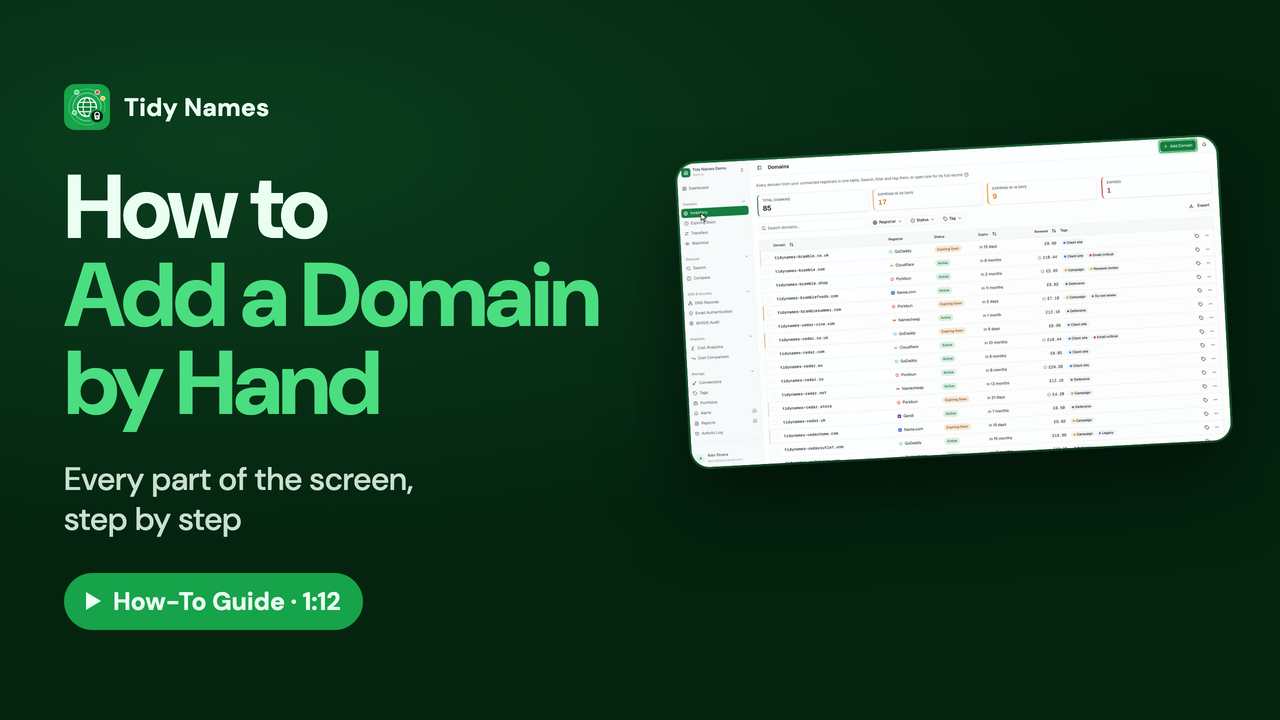 1:12
1:12How to Add a Domain by Hand
How to add a single domain to Tidy Names by hand.
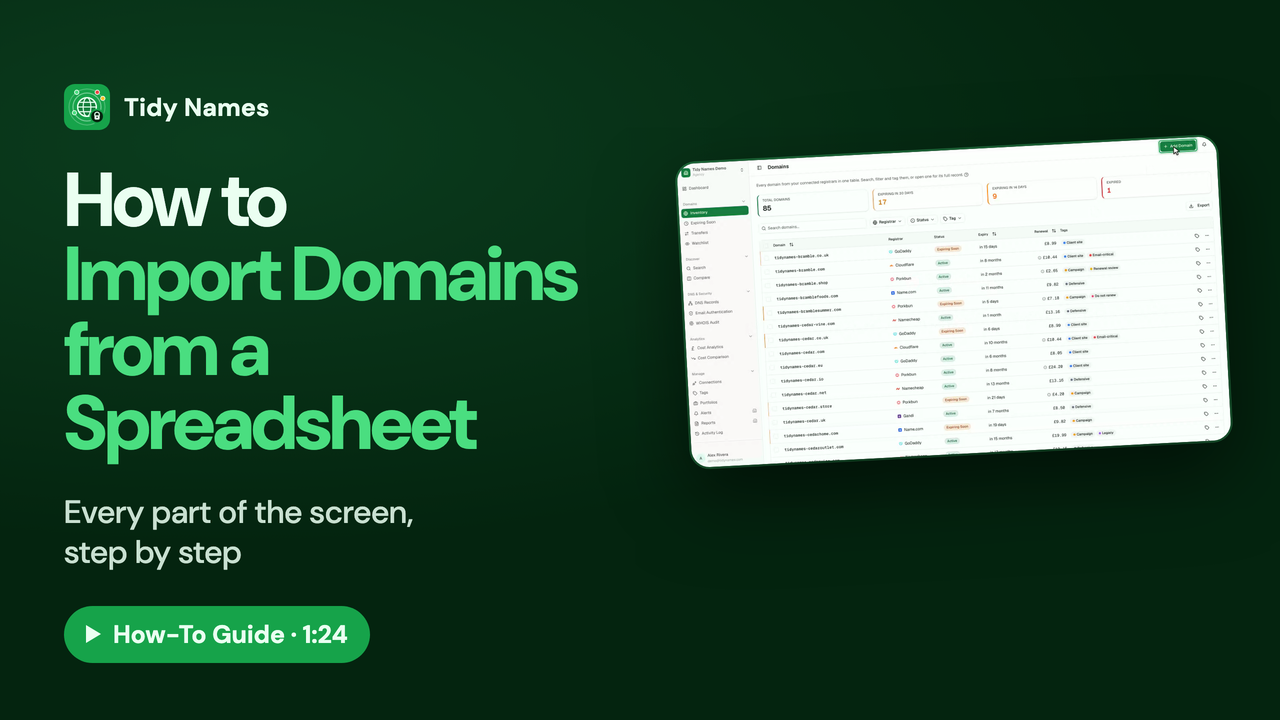 1:24
1:24How to Import Domains from a Spreadsheet
How to import your domains into Tidy Names from a spreadsheet (CSV).
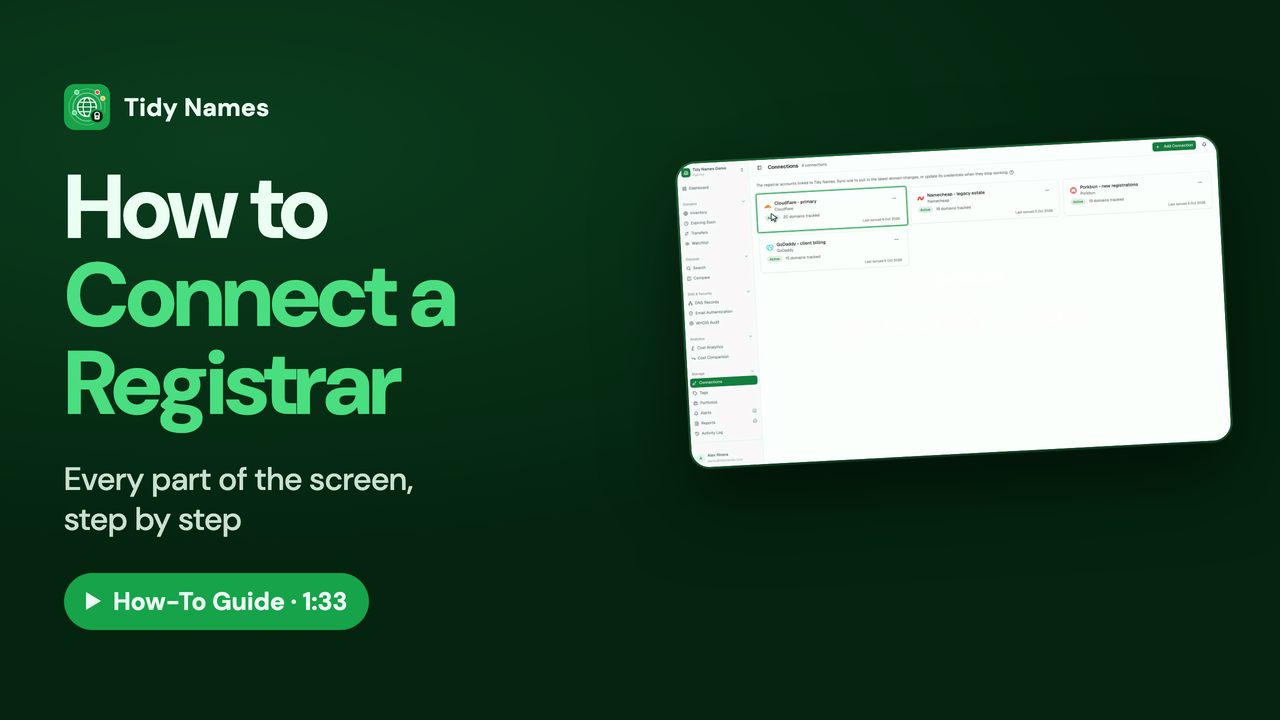 1:33
1:33How to Connect a Registrar
How to connect a registrar account to Tidy Names, so your domains sync automatically.