All videos
How-to guide 15 · 1:28
How to Compare Domains Side by Side
How to compare up to six domains side by side in Tidy Names.
This guide covers picking and removing domains, then each section of the comparison: registration (status, registrar, expiry, auto-renew, renewal cost and source), email security (SPF, DKIM and DMARC), DNS records, and infrastructure (name servers, registrant and last checked).
Questions about this guide?
Ask us anything about this part of Tidy Names, or watch the whole product from start to finish.
More Guides
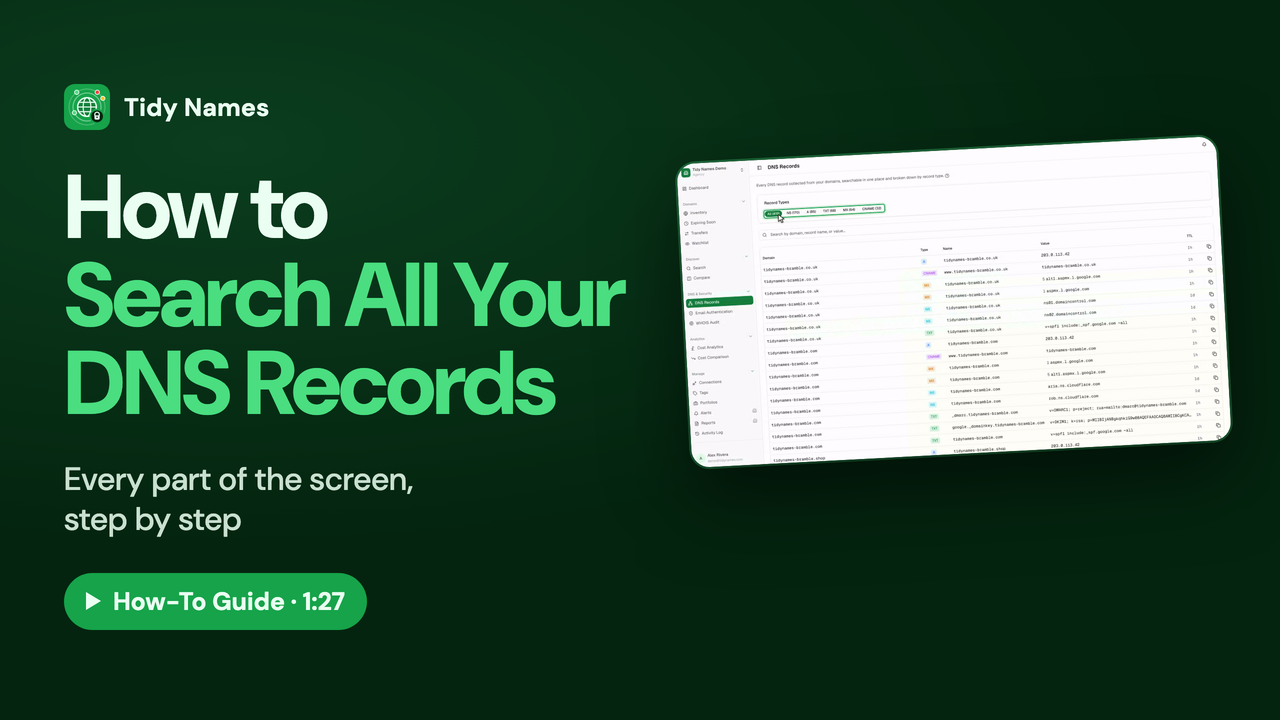 1:27
1:27How to Search All Your DNS Records
How to search every DNS record across all your domains in Tidy Names.
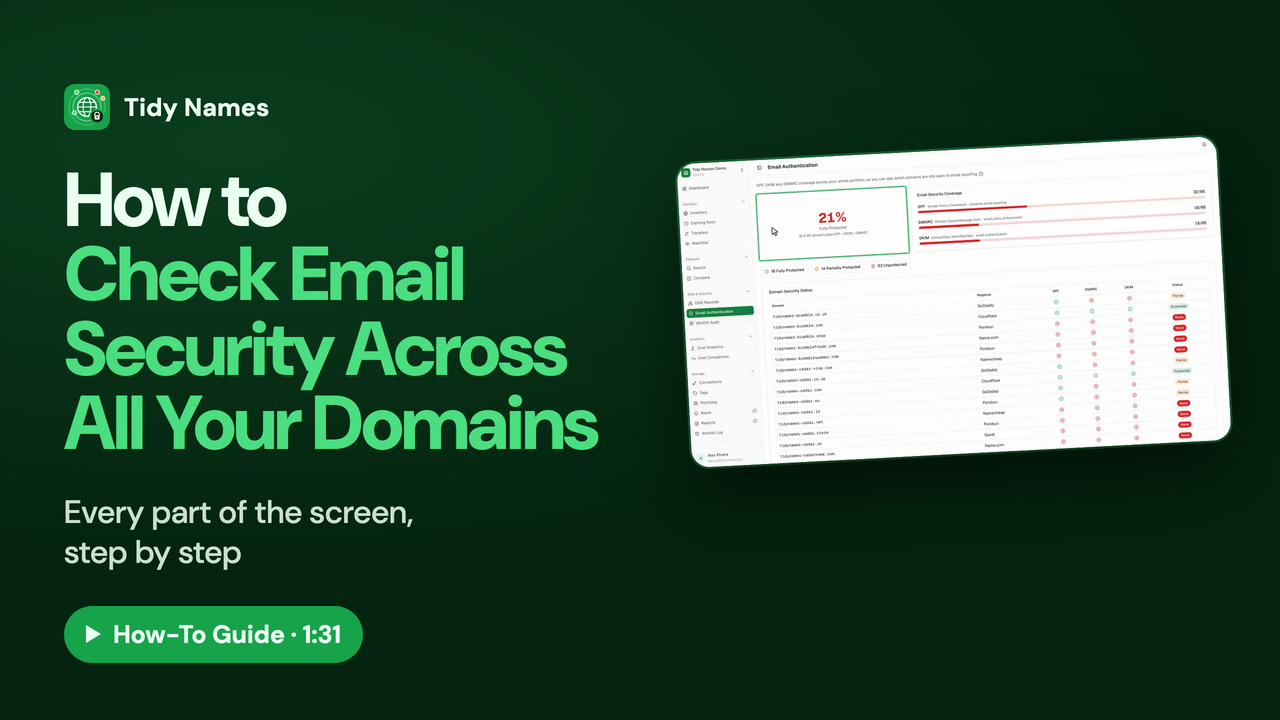 1:31
1:31How to Check Email Security Across All Your Domains
How to check SPF, DKIM and DMARC across all your domains at once in Tidy Names.
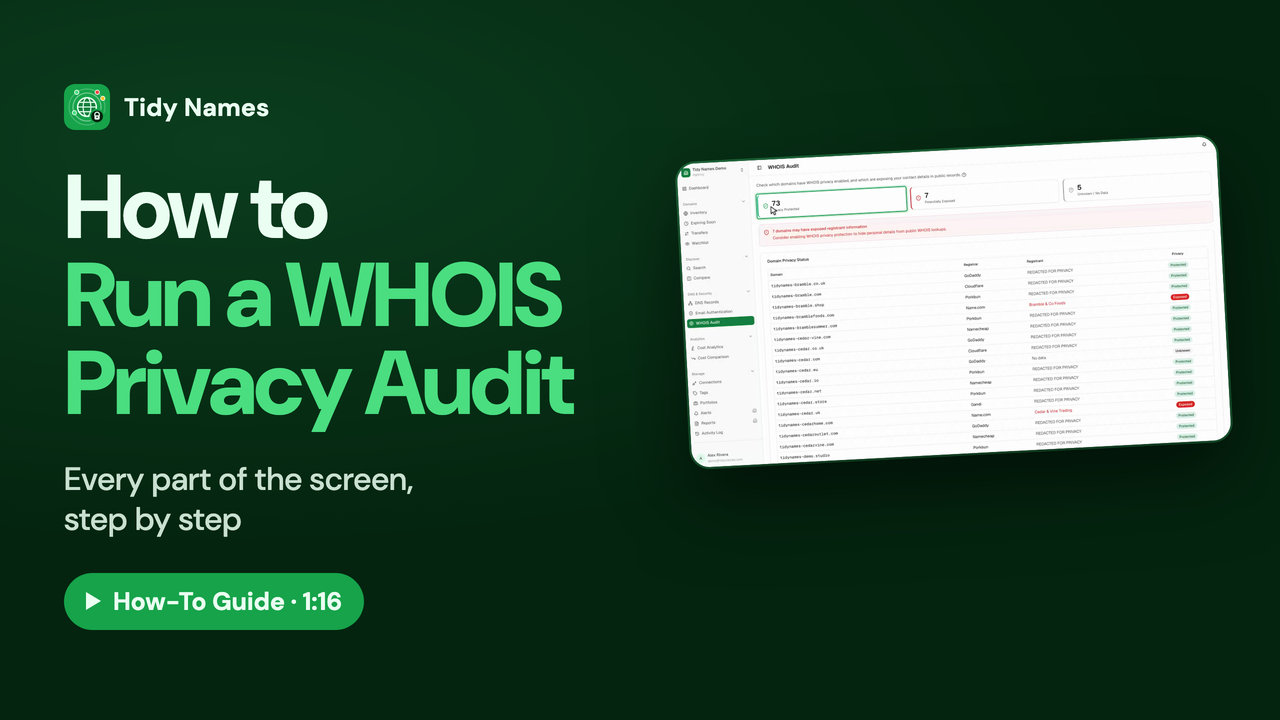 1:16
1:16How to Run a WHOIS Privacy Audit
How to check WHOIS privacy on all your domains with the Tidy Names WHOIS Audit.