All videos
How-to guide 24 · 1:17
How to Set Up Team Reports
How to send scheduled domain reports to your team with Team Reports in Tidy Names.
This guide covers what a report destination is, its schedule and what each report includes (expiring domains, security, costs and recent activity), Reports off, sending a test, and changing the frequency, day and contents.
Questions about this guide?
Ask us anything about this part of Tidy Names, or watch the whole product from start to finish.
More Guides
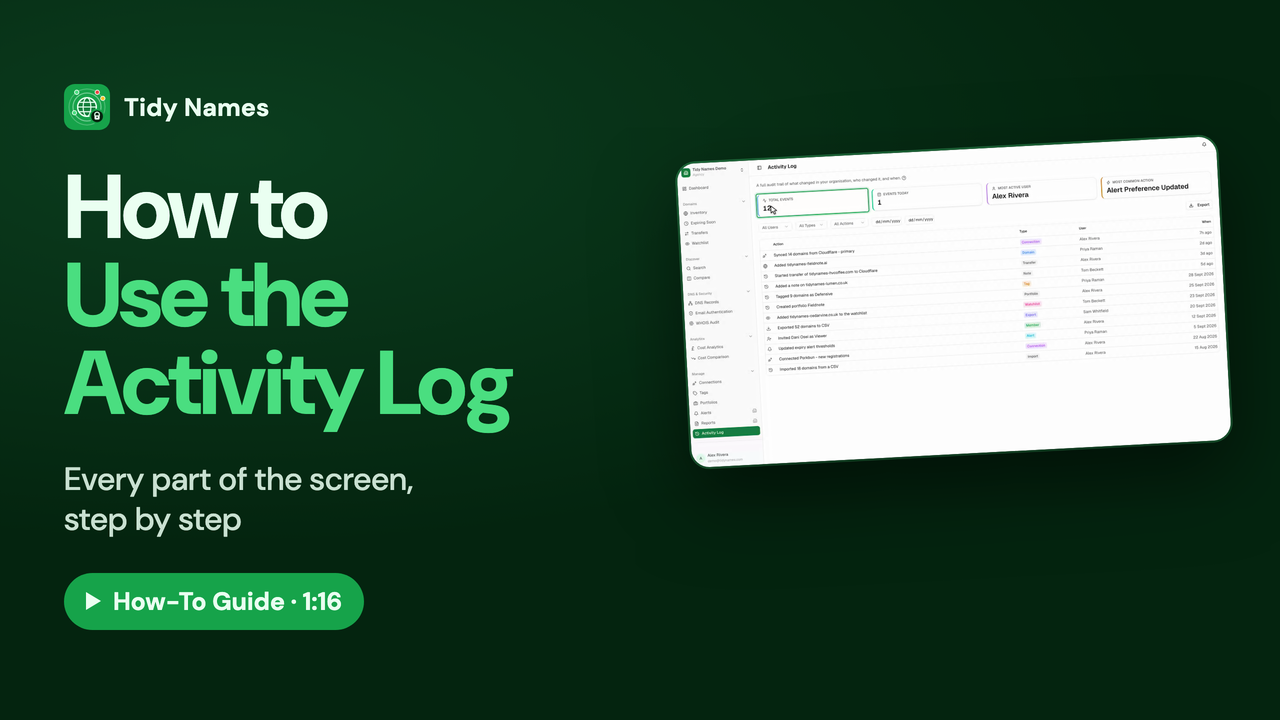 1:16
1:16How to Use the Activity Log
How to see who changed what, and when, with the Tidy Names Activity Log.
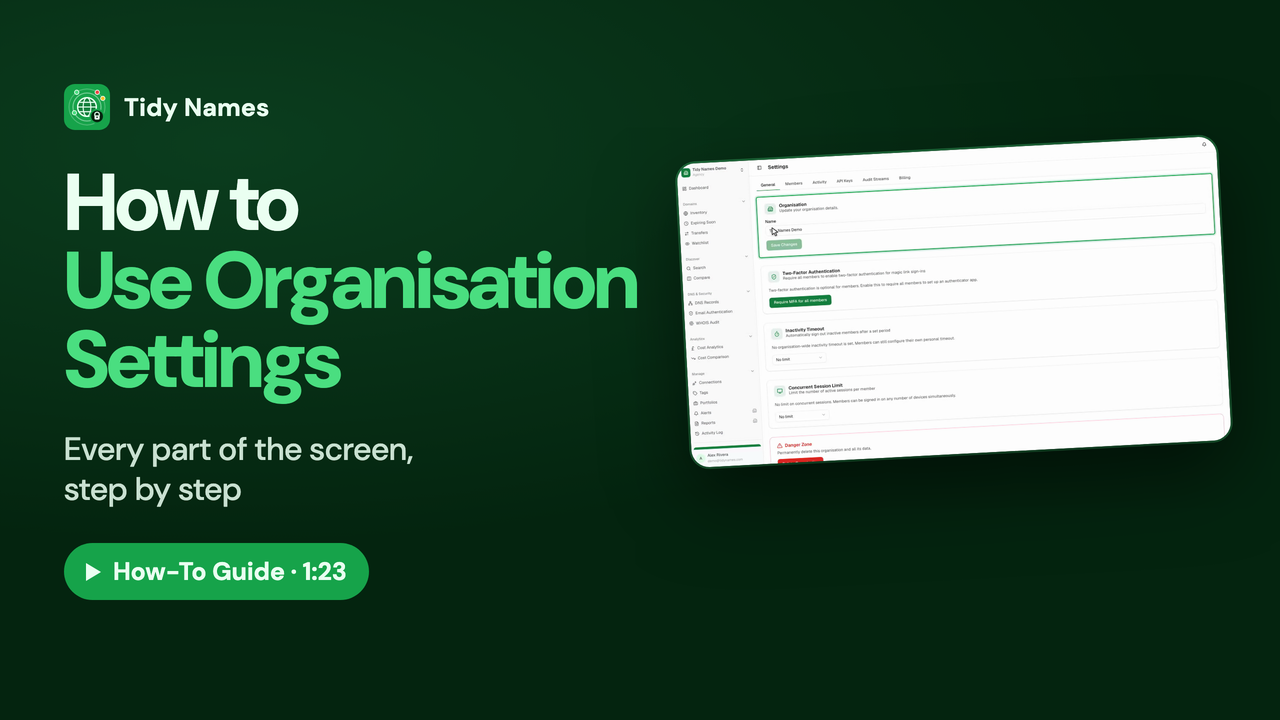 1:23
1:23How to Use Organisation Settings
How to use your organisation's General settings in Tidy Names.
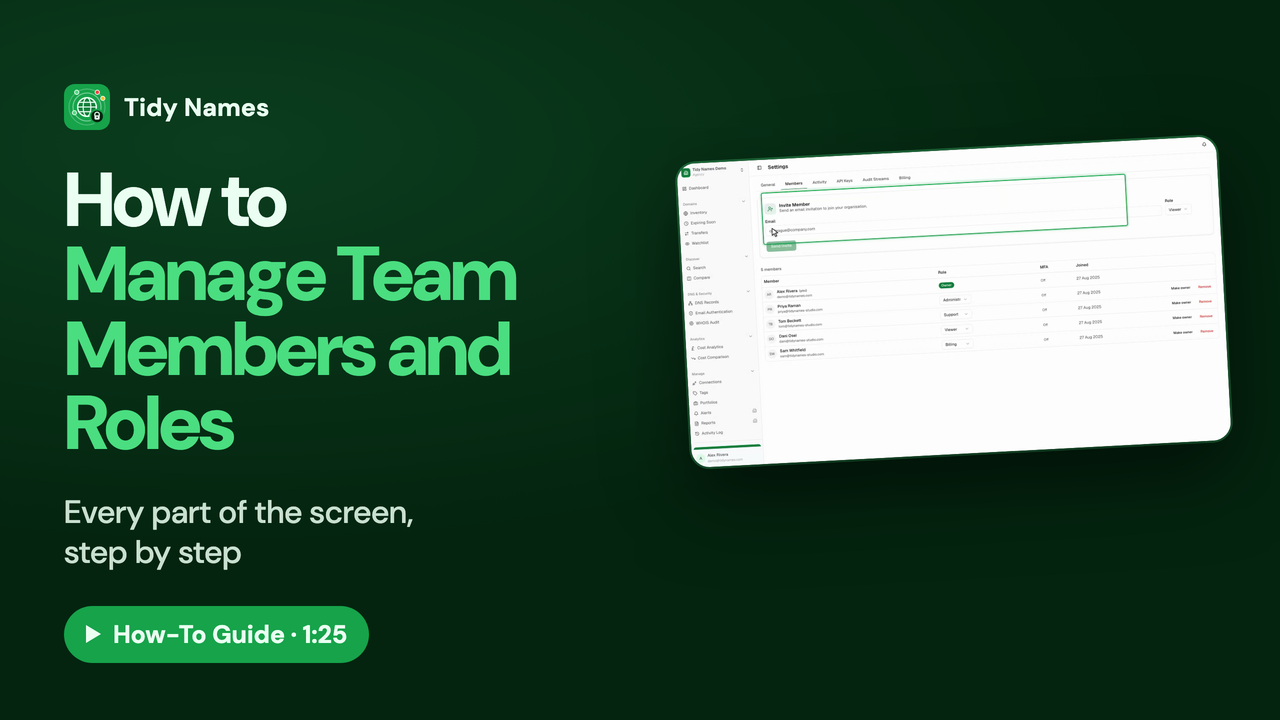 1:25
1:25How to Manage Team Members and Roles
How to invite your team to Tidy Names and choose what each person can do.