All videos
How-to guide 4 · 1:24
How to Import Domains from a Spreadsheet
How to import your domains into Tidy Names from a spreadsheet (CSV).
This guide covers saving your spreadsheet as CSV, what the file needs (a header row and a column of domain names, with optional columns such as registrar and expiry date), uploading it, the preview where columns are matched and every row is checked, and importing.
Questions about this guide?
Ask us anything about this part of Tidy Names, or watch the whole product from start to finish.
More Guides
 1:33
1:33How to Connect a Registrar
How to connect a registrar account to Tidy Names, so your domains sync automatically.
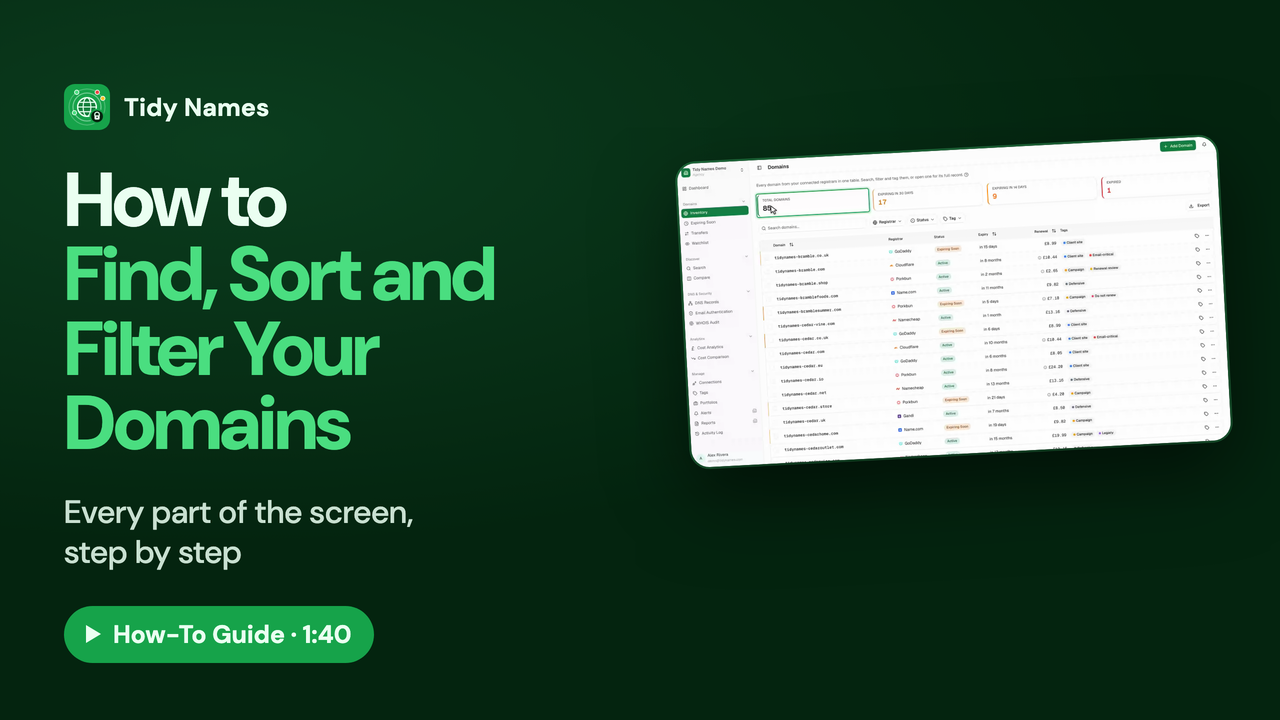 1:40
1:40How to Find, Sort and Filter Your Domains
How to find, sort and filter your domains in the Tidy Names Inventory.
 1:10
1:10How to Use Bulk Actions and Export
How to work on many domains at once in Tidy Names, and export your list.