All videos
How-to guide 30 · 1:10
How to Set Your Own Preferences
How to set your own preferences, alerts and reports in Tidy Names.
This guide covers your profile, display currency, timezone and date format, light and dark appearance, which emails you receive, your own expiry alerts, and your own scheduled reports.
Questions about this guide?
Ask us anything about this part of Tidy Names, or watch the whole product from start to finish.
More Guides
 1:19
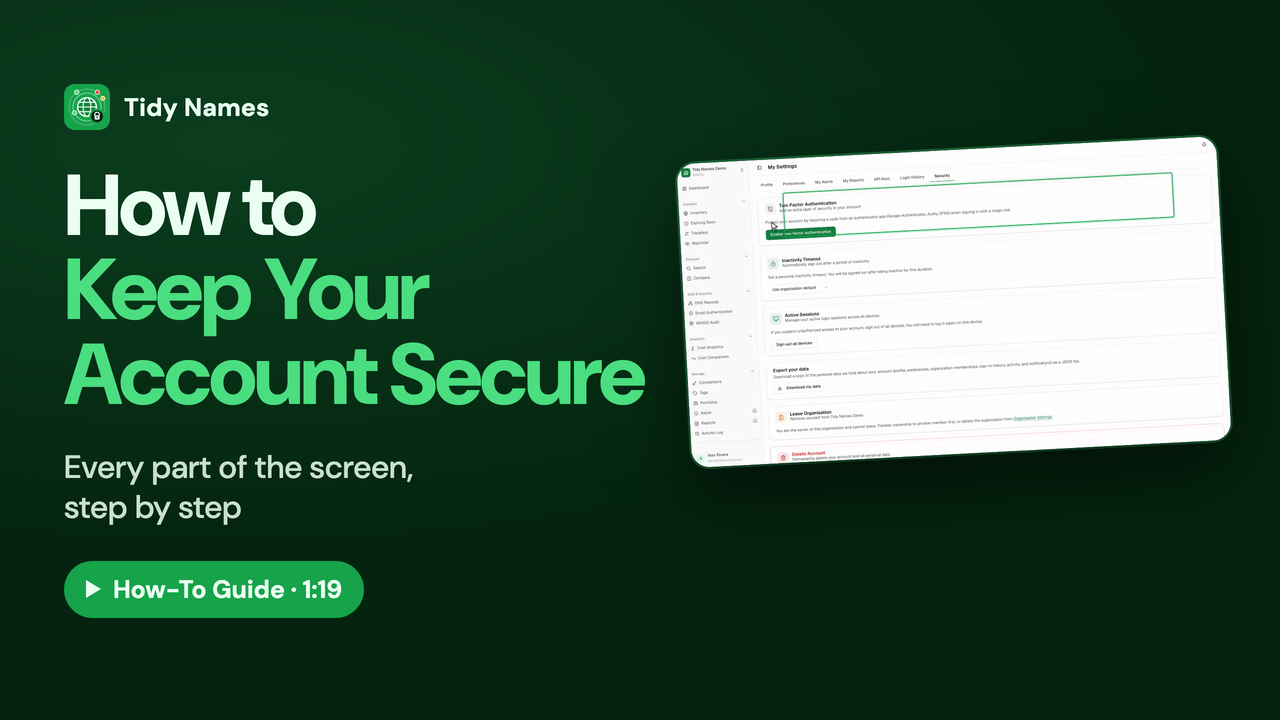
1:19How to Keep Your Account Secure
How to keep your Tidy Names account secure.
 1:43
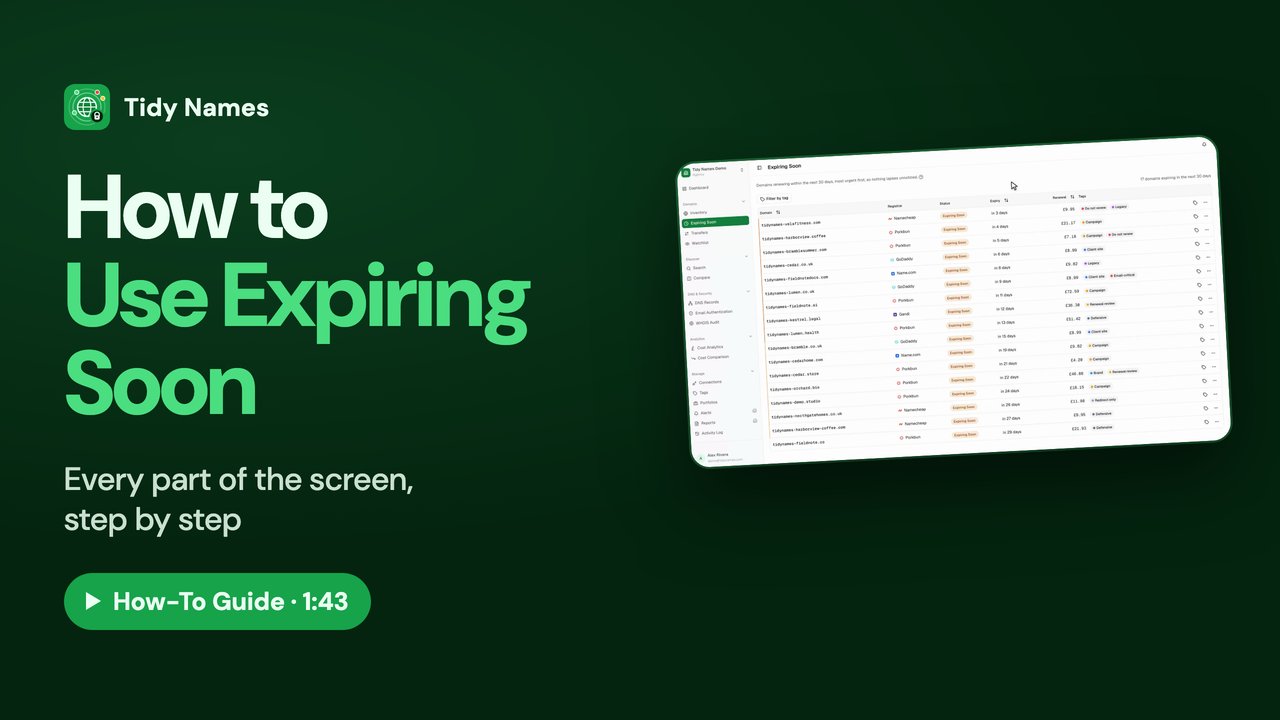
1:43How to Use Expiring Soon
How to use Expiring Soon in Tidy Names - every domain that renews in the next 30 days, most urgent first.
 1:34
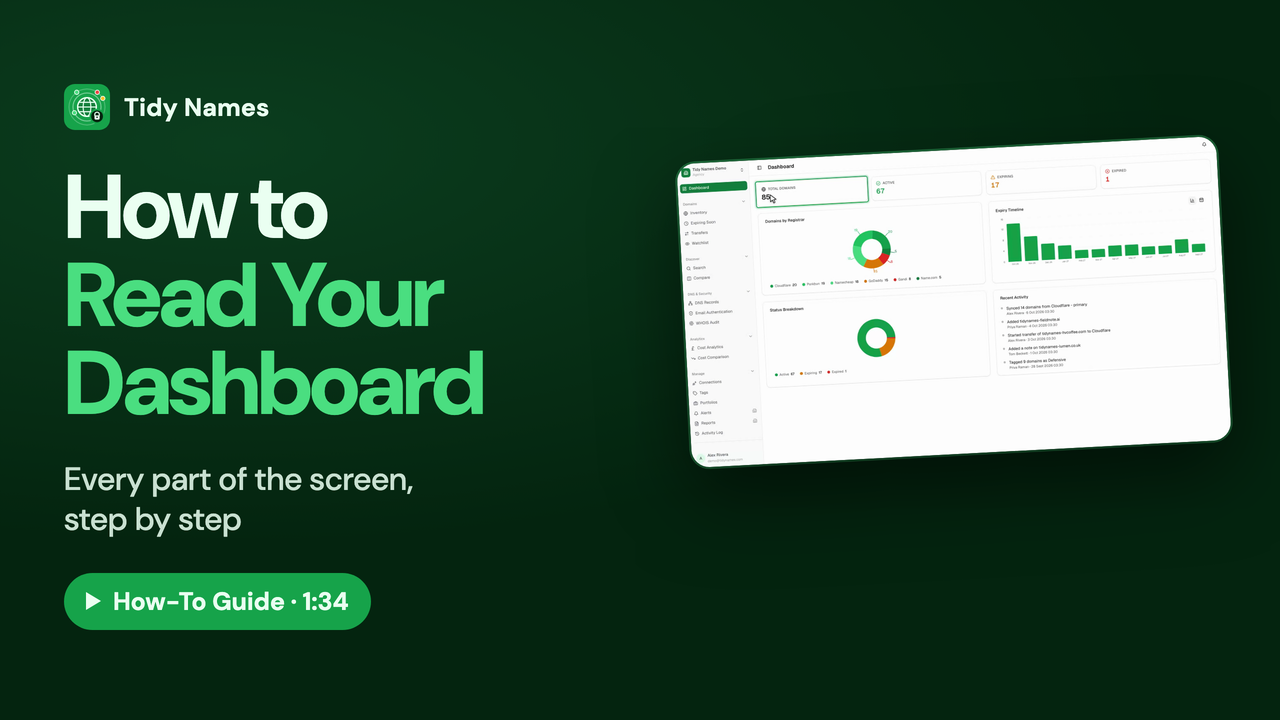
1:34How to Read Your Dashboard
How to read your Tidy Names dashboard - the health check of every domain you hold.